↔
Colorize B&W Manga Pages
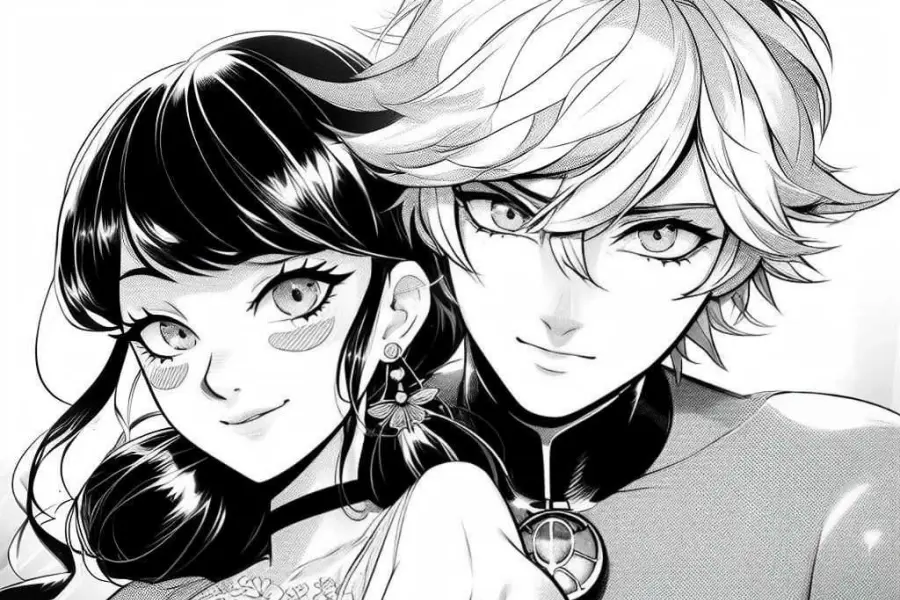
Turn black-and-white manga pages into vivid color in seconds. Great for web publishing, drafts, or fast concept presentation—fully automatic.
Colorize Manga Page NowAI Manga Colorizer
Add vivid, polished color to manga pages, sketches, and line art in seconds.
No ideas yet? Try a preset to get started.
Automatically color your sketches, line art, or manga pages in seconds with AI—no brushes, no hassle.
Turn black-and-white manga pages into vivid color in seconds. Great for web publishing, drafts, or fast concept presentation—fully automatic.
Colorize Manga Page Now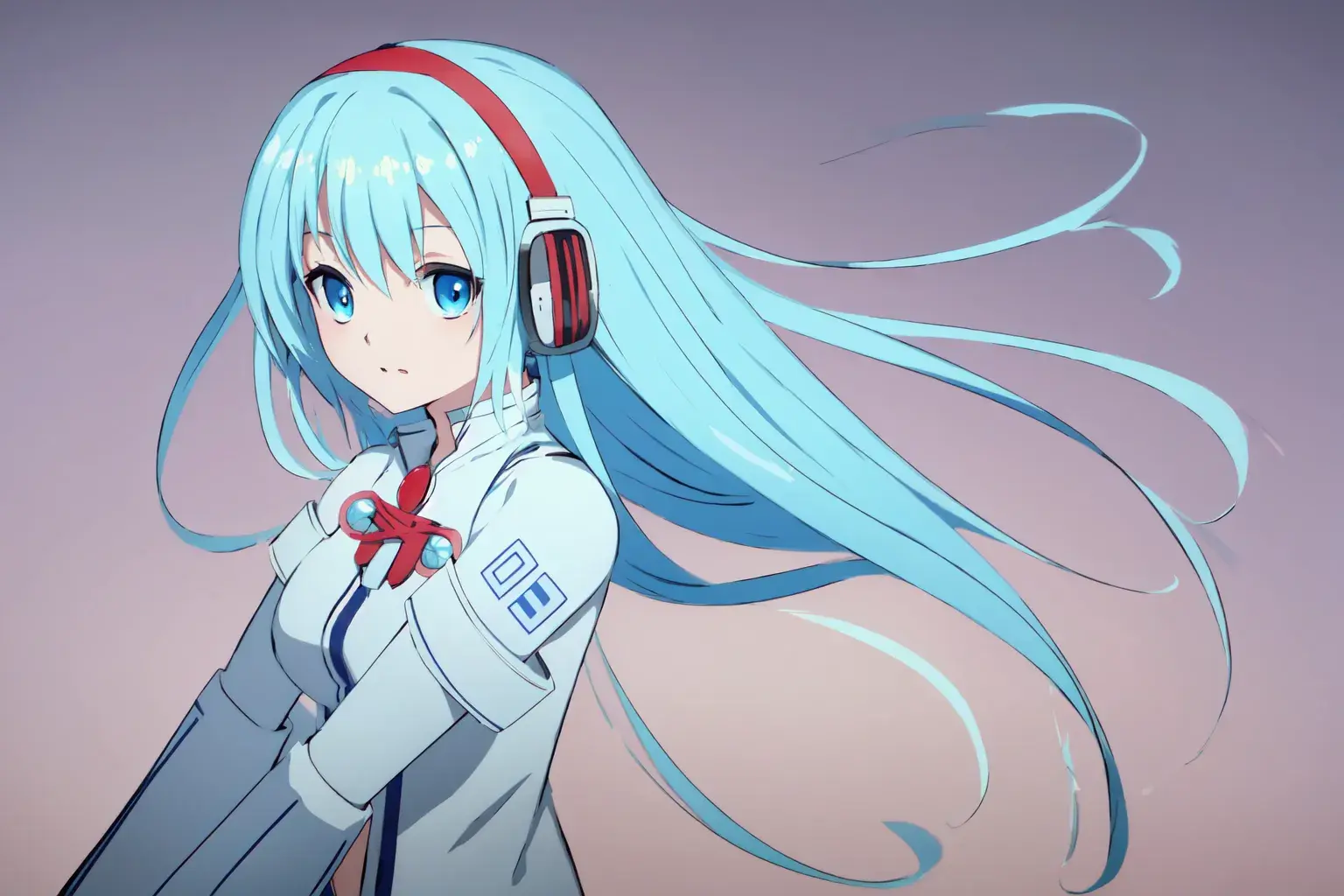
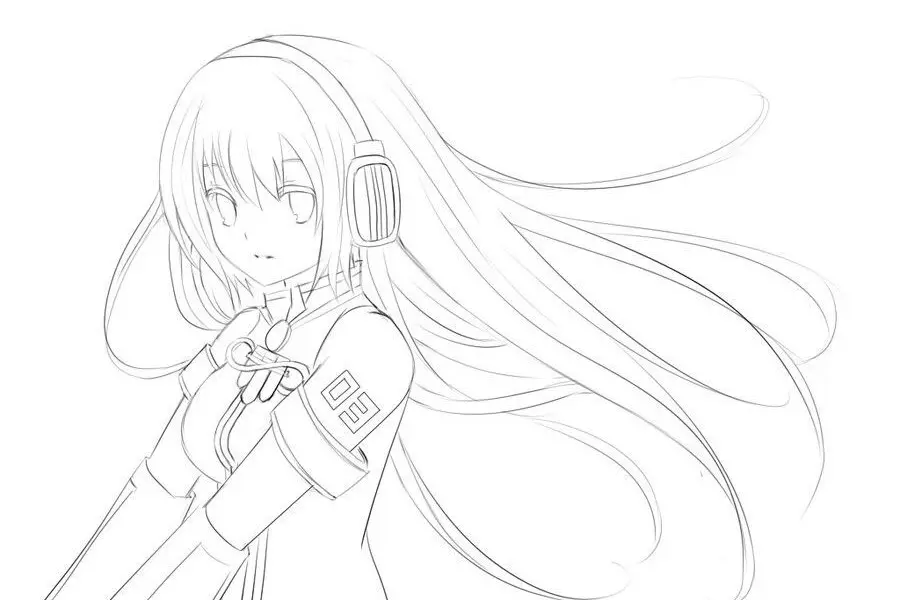
Upload your character or scene sketches and get instant color previews. Perfect for testing palettes or visualizing ideas early—no manual work needed.
Upload Sketch to Colorize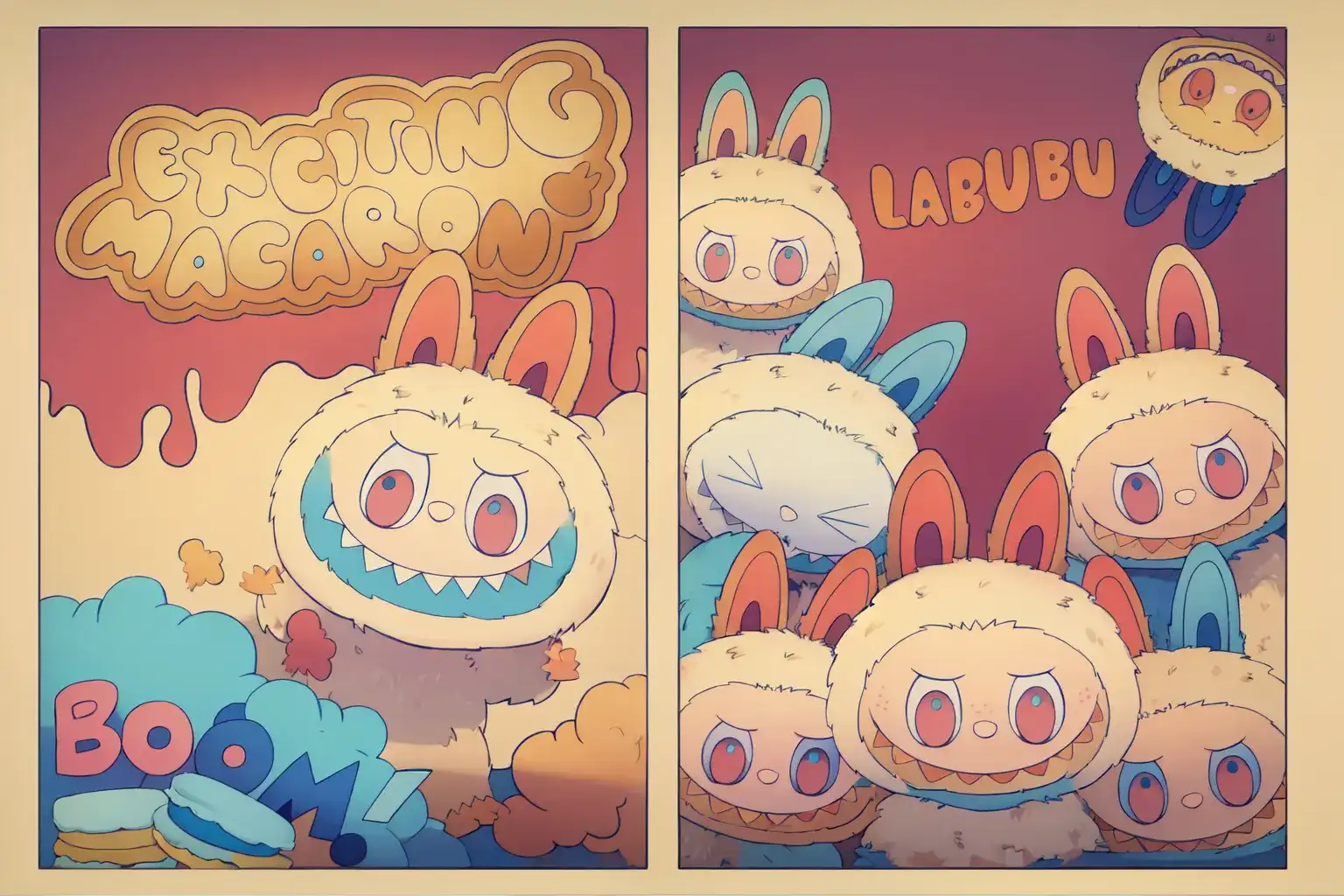
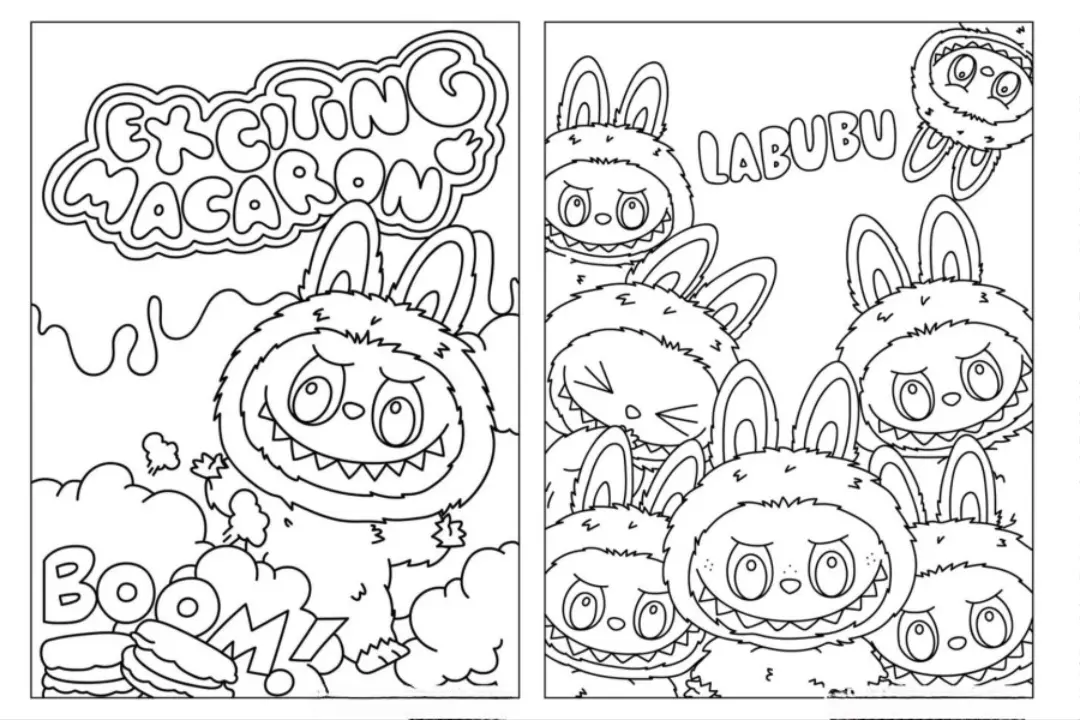
Bring clean line art to life with rich color and shading. Save time on coloring and focus more on composition and storytelling.
Start with Line ArtFollow these simple steps to automatically color your sketches, line art, or manga pages in seconds.
Upload your black-and-white line art or sketch to the AI Manga Colorizer. Supported formats include JPG, PNG, and WEBP.
Want more control? Add a short text prompt to guide the colors—for example, "pink hair, purple eyes" or "blue clothes, sunset lighting".
Click Colorize Image and let the AI do the rest. In just seconds, download your full-color illustration and share it anywhere you like.
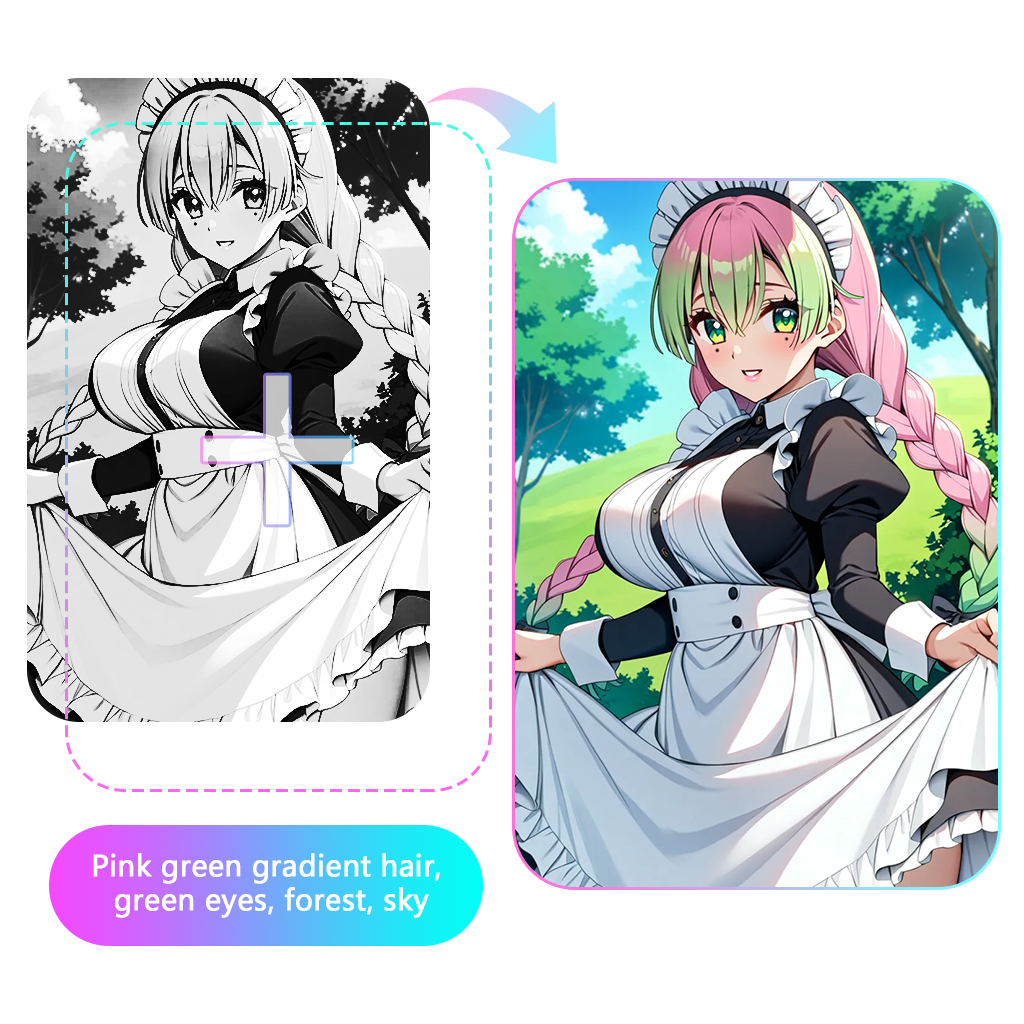
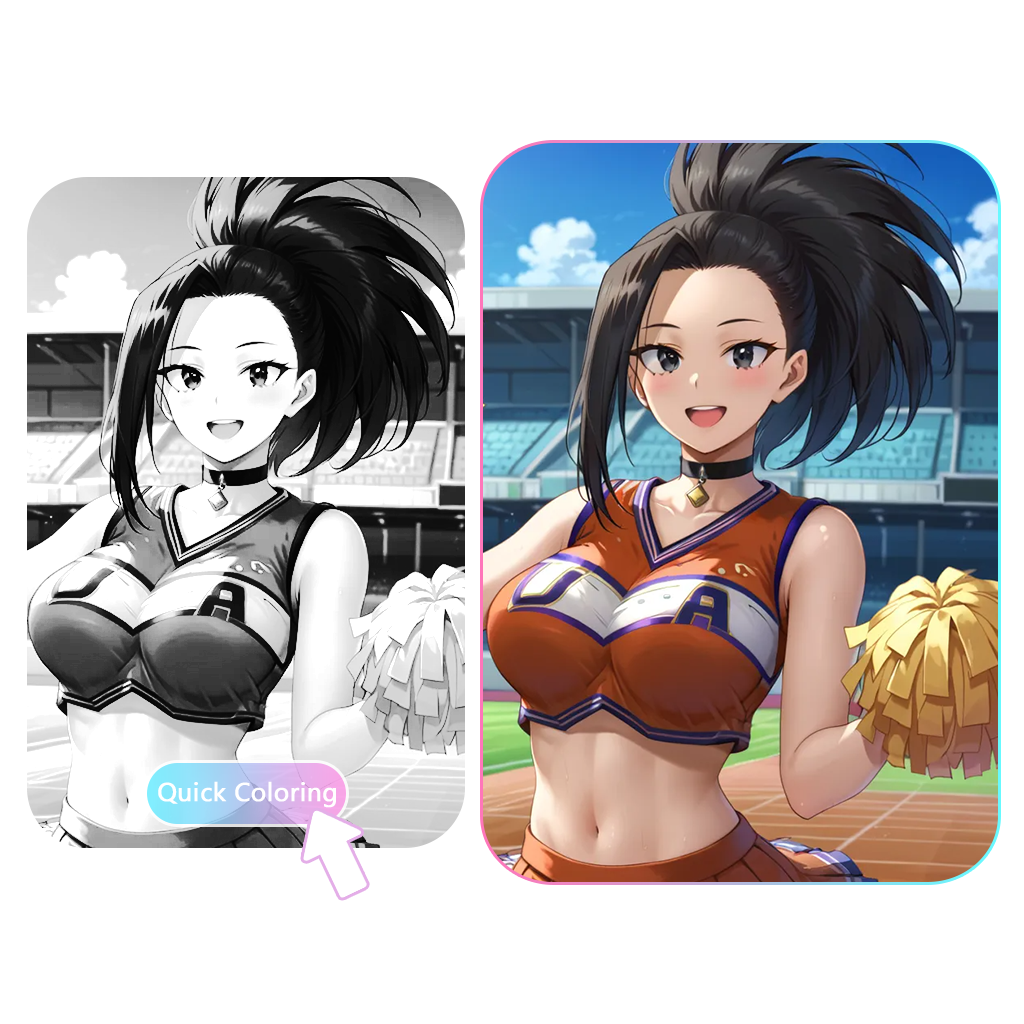
Our AI manga colorizer lets you instantly colorize black-and-white line art, rough sketches, or clean manga pages with just one click. Designed to recognize detailed outlines and character structure, it applies anime-style coloring in seconds—saving hours of manual flat-color work and speeding up your creative process.
Color My Sketch Now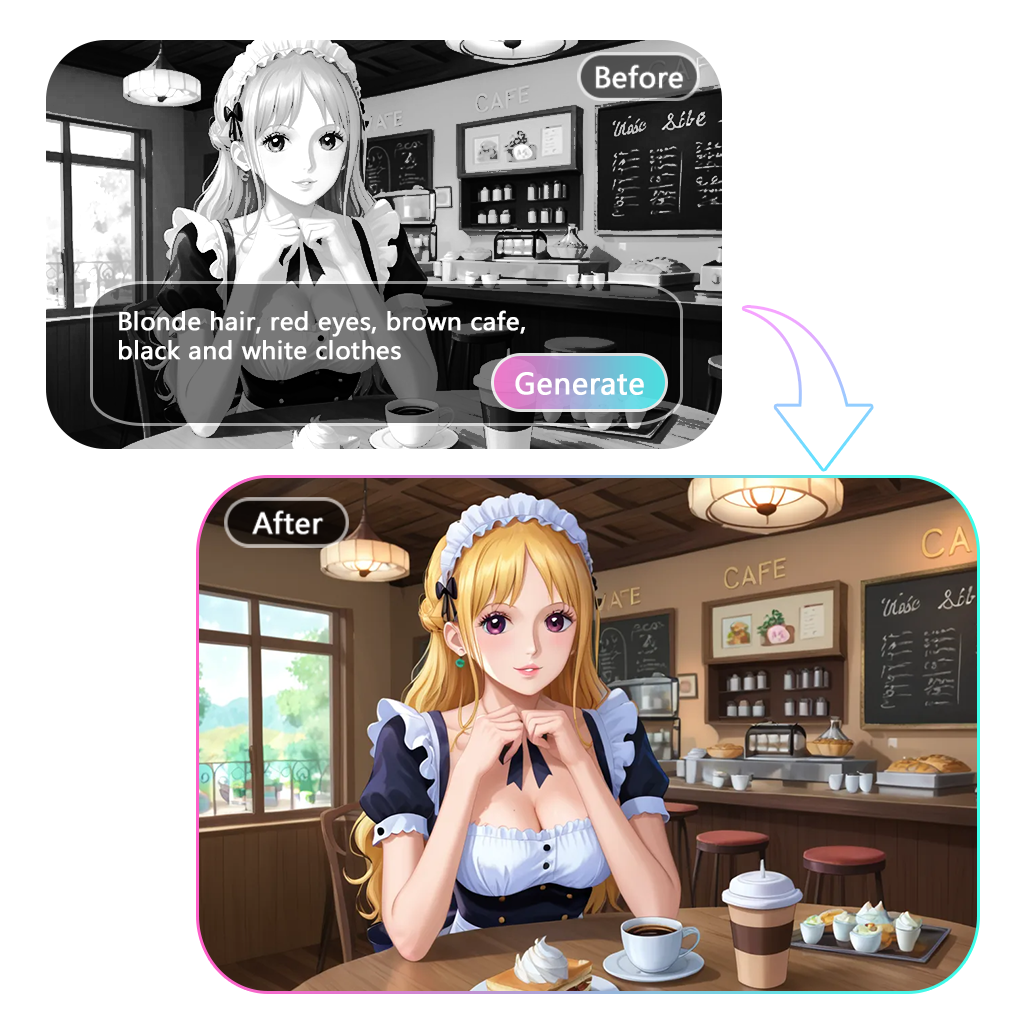
Use short text prompts to customize how your manga or comic is colored. Whether you’re going for soft pastel tones or vibrant shonen-style shading, the AI adapts to your desired look. This feature lets artists control their manga coloring style without having to manually paint each frame.
Try Style Prompt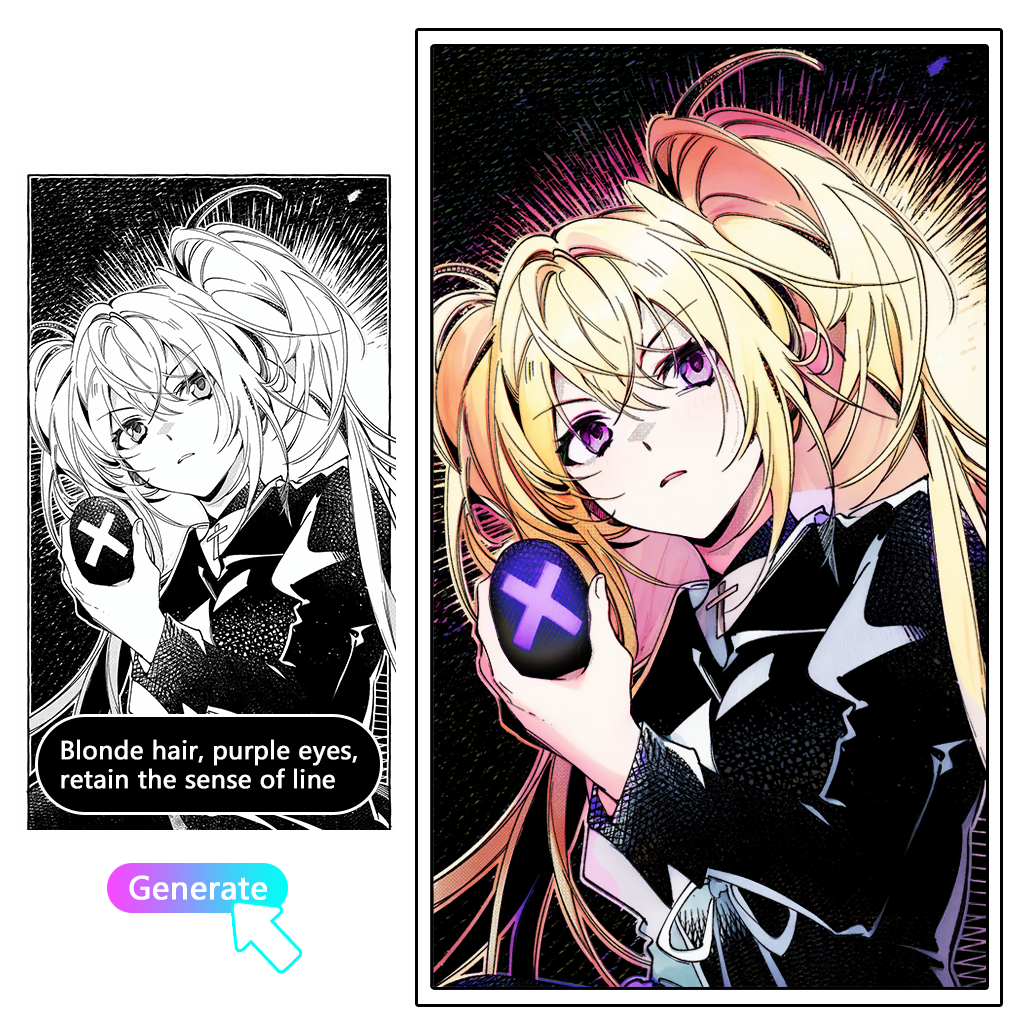
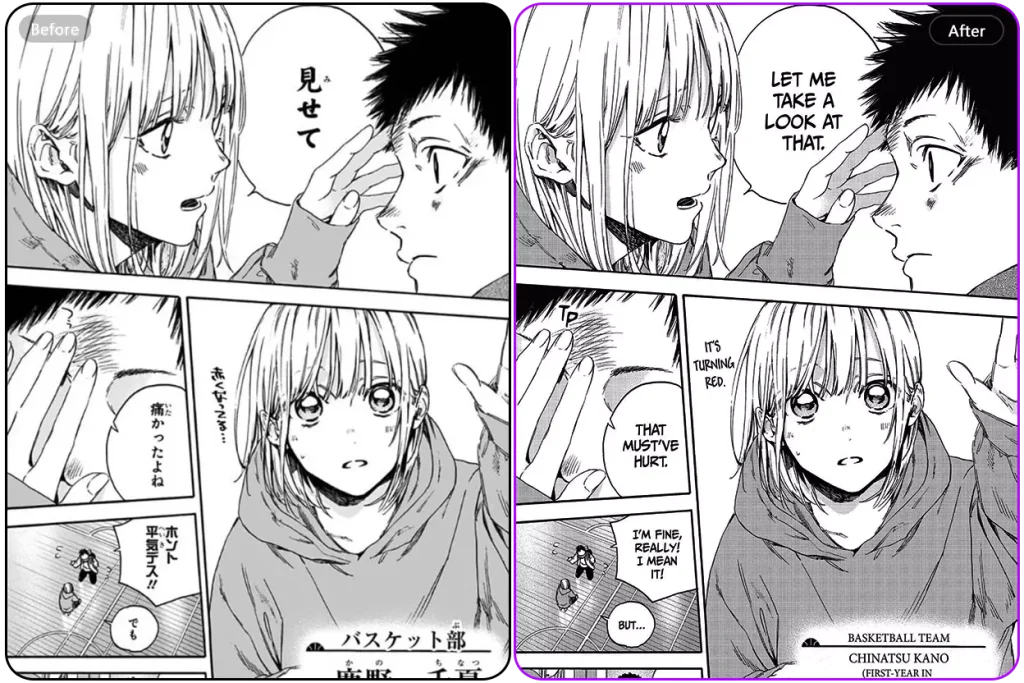
Our manga coloring tool works seamlessly with full-page layouts and storyboard designs. Whether you're uploading a single panel or a multi-frame comic page, the AI preserves your layout structure while adding consistent color. It's perfect for serialized manga creators or artists building webtoons and full chapters.
Color Full Page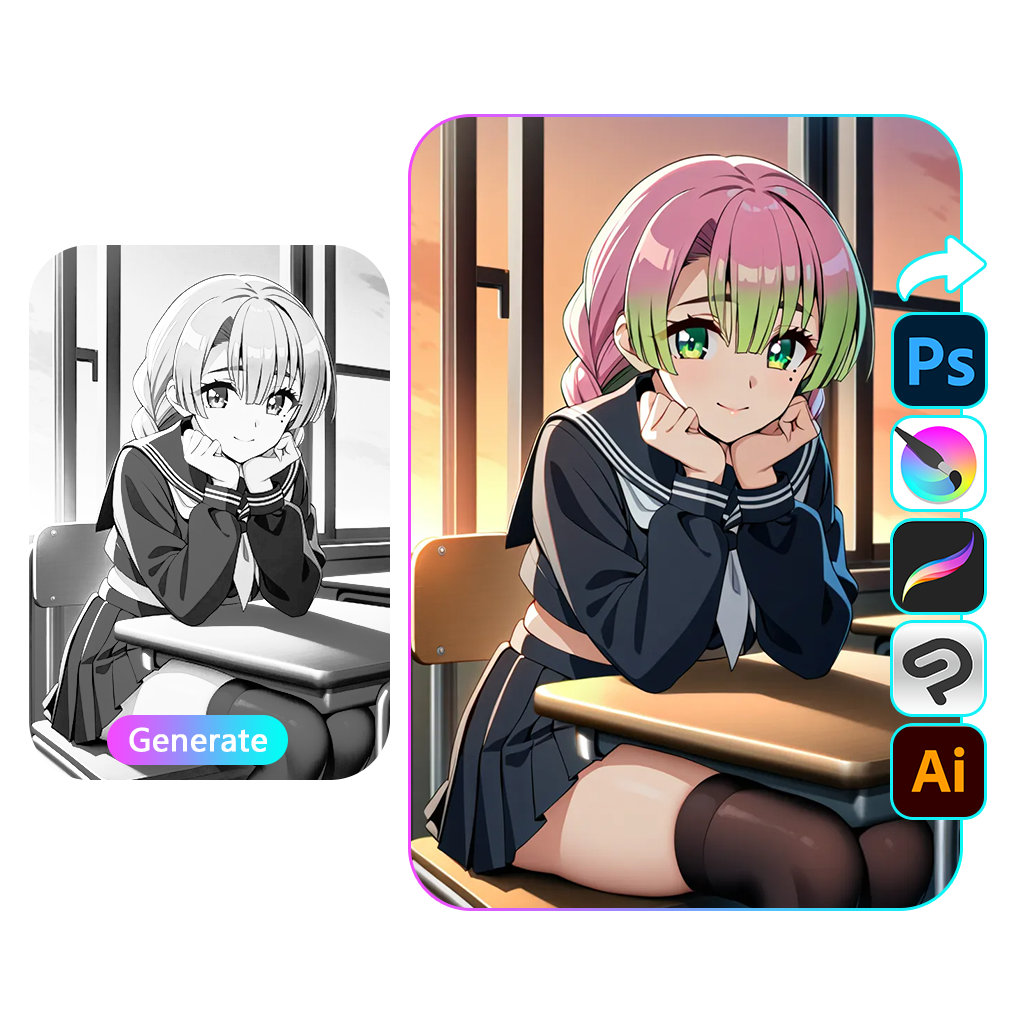
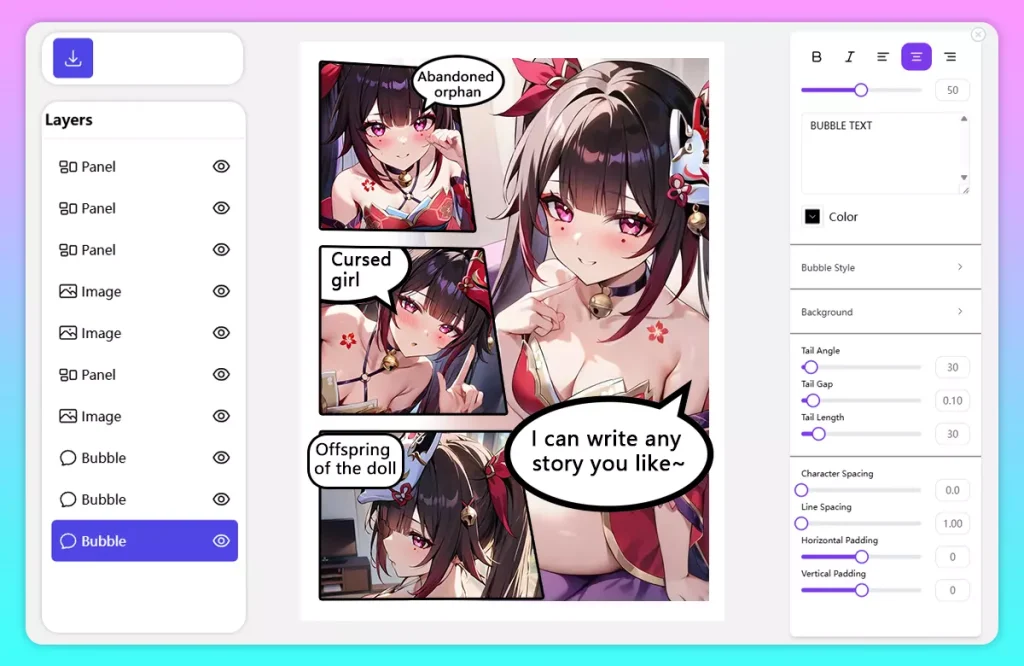
Once your artwork is colorized, you can export the image and continue editing in Photoshop, Clip Studio Paint, Procreate, or any tool you prefer. You can also import images into our online manga maker tool to easily create your own comics. The AI comic coloring output fits smoothly into your existing workflow, helping you finalize high-quality manga or illustration projects with greater speed and flexibility.
Make Your Own MangaWant to achieve the classic cel-shaded manga coloring style? Learn how to control it with the right prompts.
Learn Manga Colorizer PromptsUnlike other AI coloring tools that charge per image or require extra steps, we offer a faster, simpler, and completely free solution. See how we stack up:
| Feature | Anifun AI Manga Colorizer | Other Tools (Traditional & AI competitors) |
|---|---|---|
| Pricing | ✅ Completely free, unlimited use | ❌ Paid plans, per-image fees, or software subscriptions |
| Ease of Use | ✅ No drawing skills needed, upload and color instantly | ❌ Requires technical skills or complex setup |
| Coloring Speed | ✅ Auto-color in seconds | ⚠️ Manual coloring takes hours; AI tools often have wait times or limits |
| Style Control | ✅ Customizable styles using text prompts | ⚠️ Limited control or dependent on reference images |
| Manga Workflow Support | ✅ Works with full pages, panels, and manga layouts | ❌ Often supports only single images, lacks layout awareness |
Wondering how to turn your sketches into full-color manga instantly? Learn how our AI manga colorizer works, what types of drawings it supports, and how you can start coloring black-and-white art with no cost, no software, and no hassle.
An AI Manga Colorizer is a tool that uses artificial intelligence to automatically add colors to black-and-white manga or comic illustrations. By analyzing line art and shading, it generates vibrant, consistent colors, helping artists speed up their workflow and visualize their creations in full color.
You can upload black-and-white manga pages, sketches, or digital line art and get full-color results automatically in just a few seconds. No painting or software setup required—just one click to colorize.
You can colorize a wide range of images using our AI tool, including:
Clean, high-contrast outlines give the best results.
AI uses deep learning to recognize shapes, contours, and structure in your artwork. It then applies colors and shading in a way that mimics natural artistic styles, enhancing black-and-white drawings into vivid, polished illustrations.
AI coloring takes just a few seconds per image. It eliminates the need for manual painting in tools like Photoshop or Clip Studio Paint, saving hours of production time for artists and manga creators.
Yes. You can guide the AI by entering simple text prompts describing the colors or look you want—like “vintage anime tones” or “green jacket, silver hair.” This gives you more creative control over the final output.
The AI Mange Colorizer supports JPG, PNG, and WebP formats. Each image should be under 20MB in size for optimal performance.
Yes. Uploaded images are processed securely and are not stored after colorization. Your art remains private and protected throughout the process.
Yes, the tool is completely free—no account, subscription, or payment is needed. You can color as many manga pages or illustrations as you like with no limits.