Anime Character Motion
Bring still anime characters to life with subtle movements like blinking, hair flow, and breathing effects.
Image to Video
Animate a still image with natural motion and a simple text prompt.
No ideas yet? Try a preset to get started.
Built for anime creators. Powered by advanced AI. Bring static illustrations and manga panels to life with text-driven motion. Animate characters naturally, without complex editing. Create faster. Tell better stories.
Explore practical ways to turn images into animated clips with AI. See how different styles, subjects, and creative goals can be transformed into motion.
Bring still anime characters to life with subtle movements like blinking, hair flow, and breathing effects.
Convert static manga panels into smooth animated story clips with camera zoom and scene transitions.
Create short emotional anime moments by adding camera motion, light effects, and atmosphere using text prompts.
Animate illustrated avatars to create short talking or reacting video clips for VTuber-style content.
Turn fantasy-style anime backgrounds into immersive moving scenes with particle effects and camera movement.
Create eye-catching anime short videos tailored for social platforms like TikTok, YouTube Shorts, and Reels.
Learn how Anifun processes images, generates motion, and provides flexible controls for creating clear, stable, and customizable video outputs.
Our engine runs on three high-performance generative models optimized for anime, real-life footage, and stylized visuals. Naturally realistic picture-to-video effects—lighting shifts, water ripples, and fluid camera motion—deliver smooth, authentic animation while preserving fine texture and detail. Powered by advanced deep-learning consistency, subjects remain stable across frames, making it an industry-grade ai image to video generator for creators seeking quality and precision.
Try Realistic Motion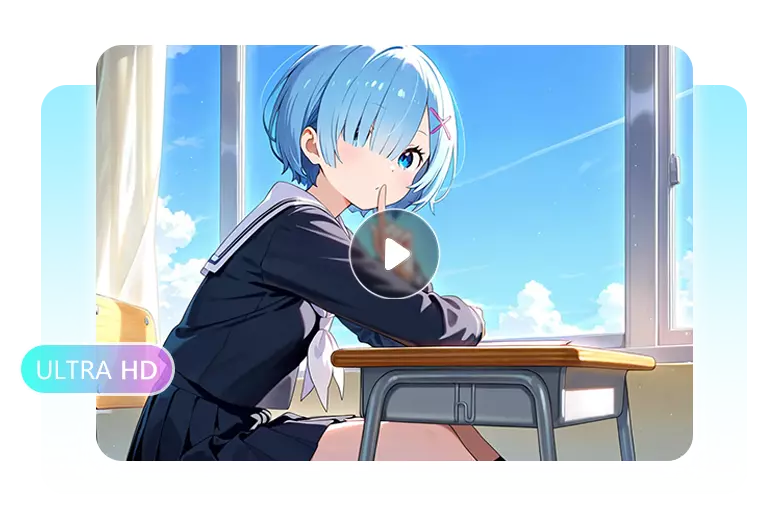
You can animate any picture with a short text description—camera pan, hair movement, breathing motion, ambient effects, and more. The system interprets your words and translates them into frame-accurate motion without timelines, keyframes, or editing experience. This streamlined workflow makes it one of the most accessible image to video ai tools, enabling anyone to make video from image in just seconds using natural language alone.
Generate with Text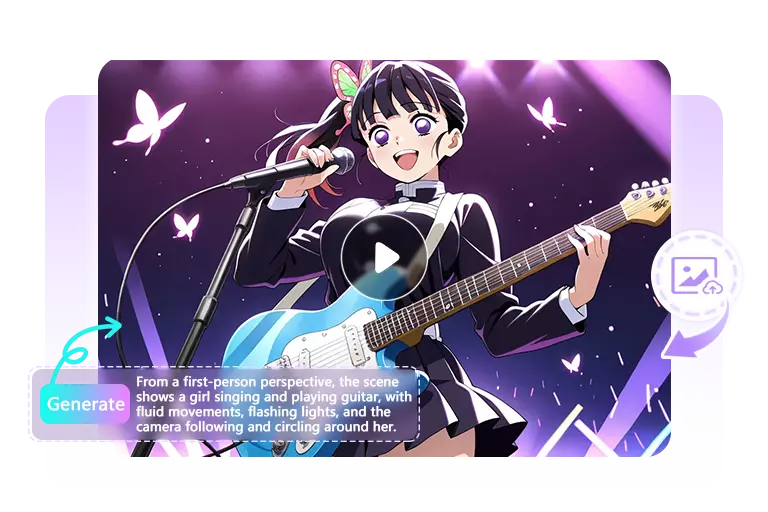
Choose between 4–10 seconds, 540p–1080p, and motion intensity from subtle to dramatic. After generating, edit the clip directly—add music, sound, captions, filters, or visual effects, and trim, resize, rotate, or split segments as needed. With flexible editing and output settings, this ai video generator from image functions as both creator and editor, delivering a highly adaptable image to video converter for creators who want full control.
Customize Your Video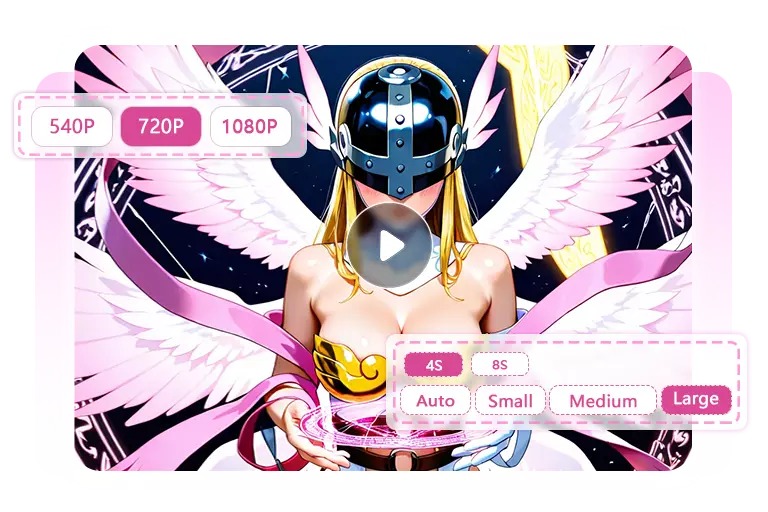
The system supports far more than anime. It handles real portraits, animals, product images, scenery, character art, game avatars, and stylized illustrations with equal consistency. Motion logic adjusts to match the visual style of your picture, producing smooth, coherent results across genres. As a versatile ai photo to video tool, it empowers creators in art, marketing, storytelling, and content production to animate any type of image effortlessly.
Create for Any Style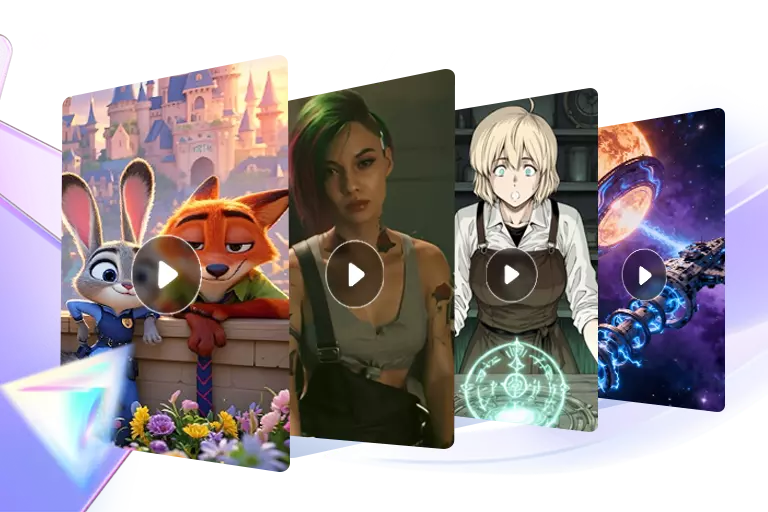
Experience how AI animation removes the cost, complexity, and workload of traditional anime production.
Follow these five simple steps to generate smooth, high-quality AI motion in minutes.
Select from Standard, Fast, or Pro depending on your needs—quick previews, rapid generation, or high-detail professional anime output.
Drop in any illustration, photo, manga panel, or character artwork you want to animate.
Add a short prompt describing how you want the scene to move, such as camera-pans, wind effects, or character motions.
Adjust duration, clarity, motion strength, and optional background music for your final video.
Let Anifun process everything—the finished animation will be ready to preview and download in seconds.
An image to video AI generator transforms a static picture into an animated clip using motion prediction, lighting simulation, and frame interpolation. With Anifun’s free image to video AI generator, you can turn any artwork, photo, or character design into smooth anime-style or realistic motion in seconds.
The best image to video AI generator should offer stable motion, clean texture preservation, and easy controls. Anifun delivers these through three optimized models—Standard, Fast, and Pro—making it a reliable AI video generator from image for anime, real-life, and stylized outputs.
To create a video from an image, simply upload your picture, enter a short motion description, choose duration and clarity settings, and click generate. Anifun’s AI image to video generator automatically animates lighting, motion, and camera flow without editing skills required.
AI technology can animate a single picture by predicting natural motion based on content—such as hair movement, light shifts, or camera panning. With Anifun’s AI photo to video system, you only need one image, and the engine handles all motion generation automatically.
Anifun supports automatic background music generation, but you cannot upload your own audio or voiceover at this time. After the image to video conversion, the system can automatically attach a soundtrack for a complete video output.
Try refining your prompt with specific motion actions, such as “slow zoom-in,” “wind blowing through hair,” or “dynamic forward movement.” Adjust the motion strength and regenerate. Clearer instructions help the img to video engine produce the effect you want.
Use simple but precise language. Describe the type of movement, pacing, light behavior, or camera direction. Avoid long paragraphs—short, clear prompts help the AI image to video generator produce stable and high-quality motion.
Yes. Videos generated with our AI image to video generator free platform can be used commercially, provided the original image does not violate third-party rights. Always ensure you own or are licensed to use the content you upload.
Yes. All images and videos you upload are processed securely and are never used for training or shared with third parties. Your files are only used once to generate the image to video AI output and are not stored or exposed publicly.
Yes. You can easily convert JPG, PNG, and WebP files into MP4 videos using Anifun’s image to video converter. Simply upload your image, and the system automatically generates an MP4 animation.