DnD AI Generator: Make DnD Character from Text
Bring your fantasy imagination to life with the power of our DnD AI Art Generator. Create epic characters, magical scenes, and legendary worlds in seconds using the DnD AI Generator designed for storytellers and adventurers.

Make DnD Character, Scene and Artwork with AI
Create detailed heroes, monsters, and fantasy scenes instantly with our DnD AI Art Generator. Turn your character ideas, battle encounters, and magical moments into high-quality artwork in seconds.
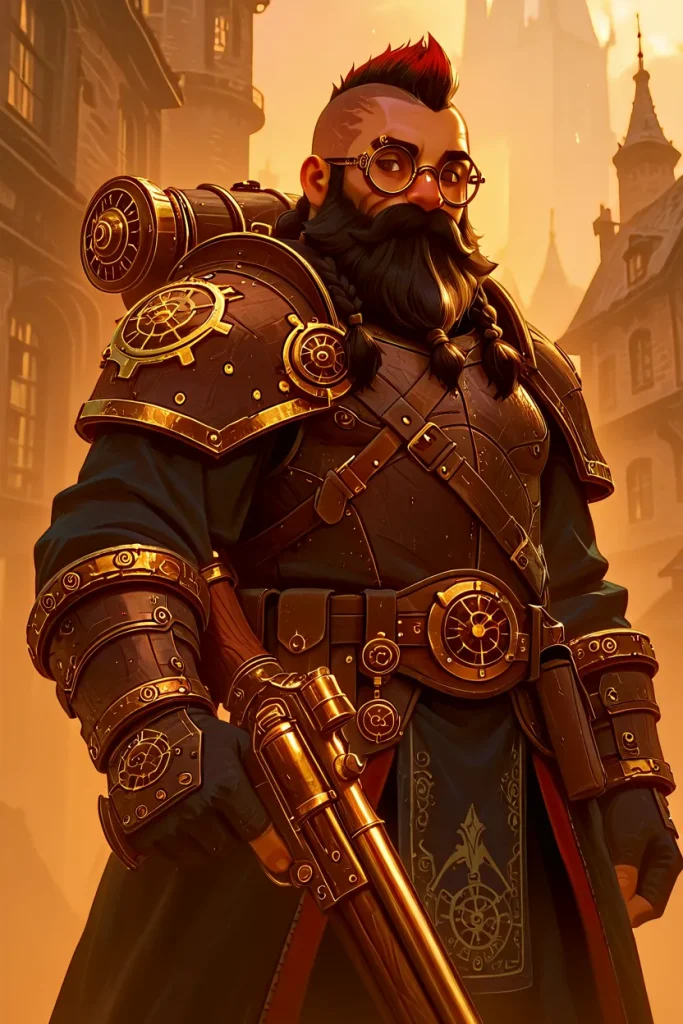
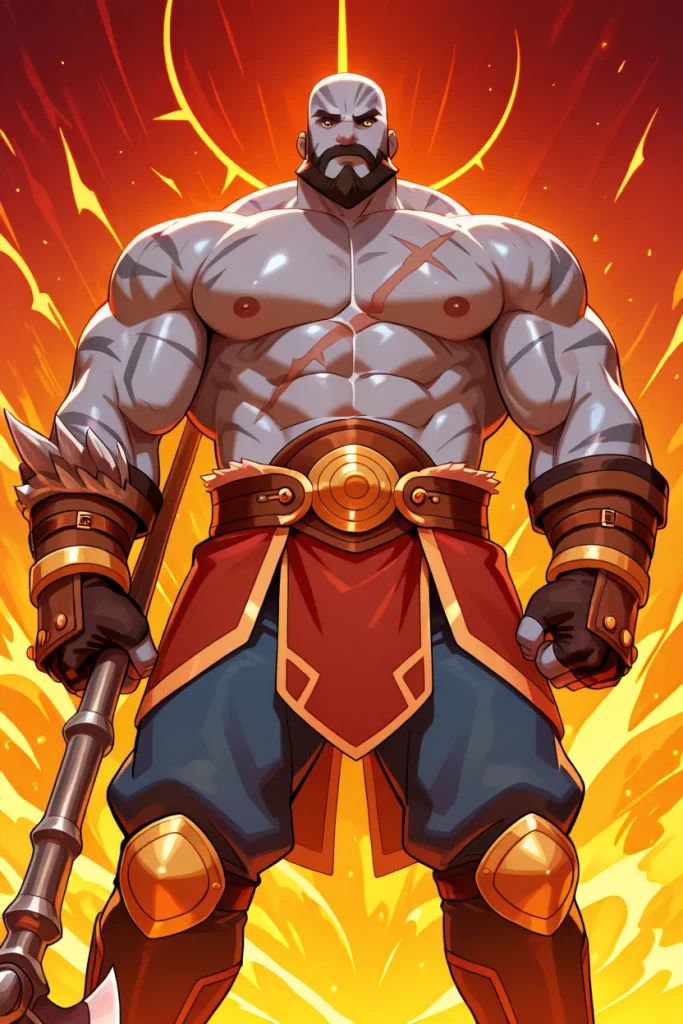
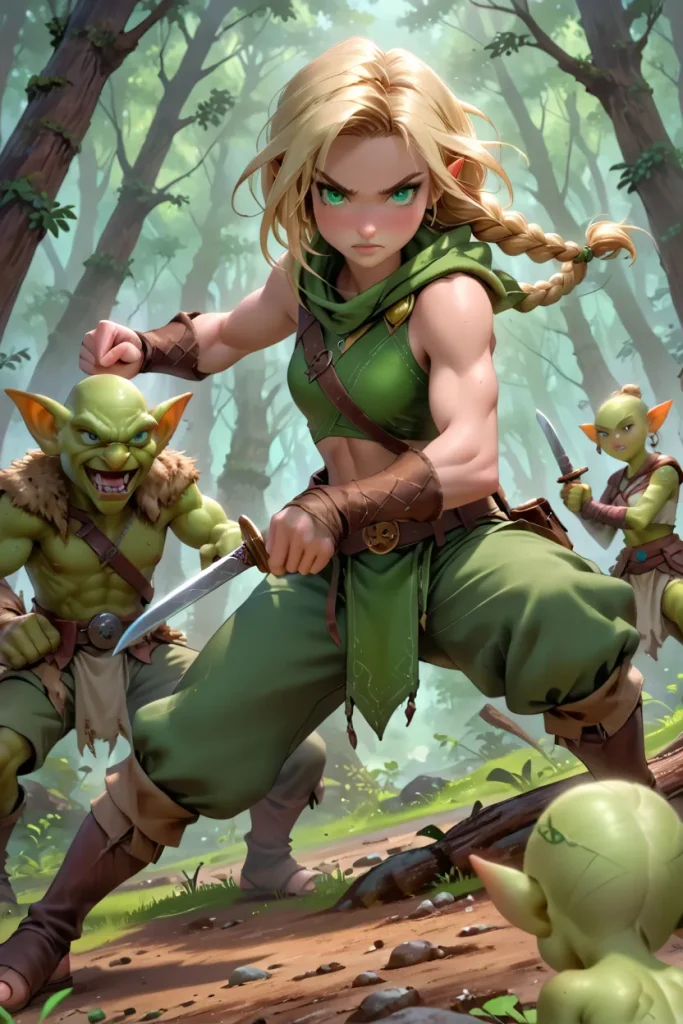
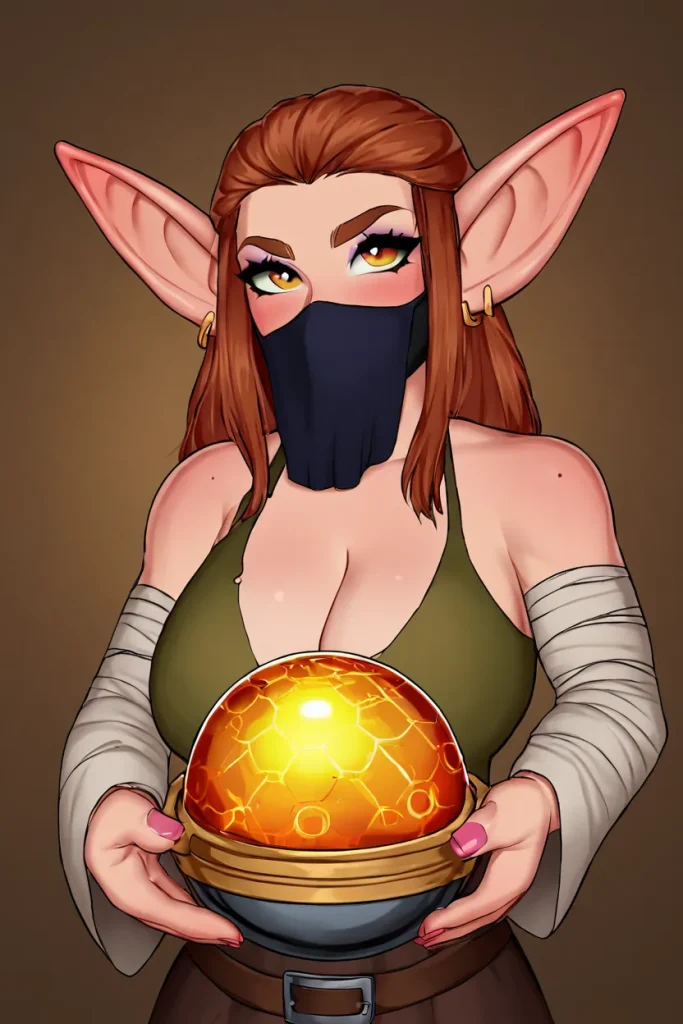
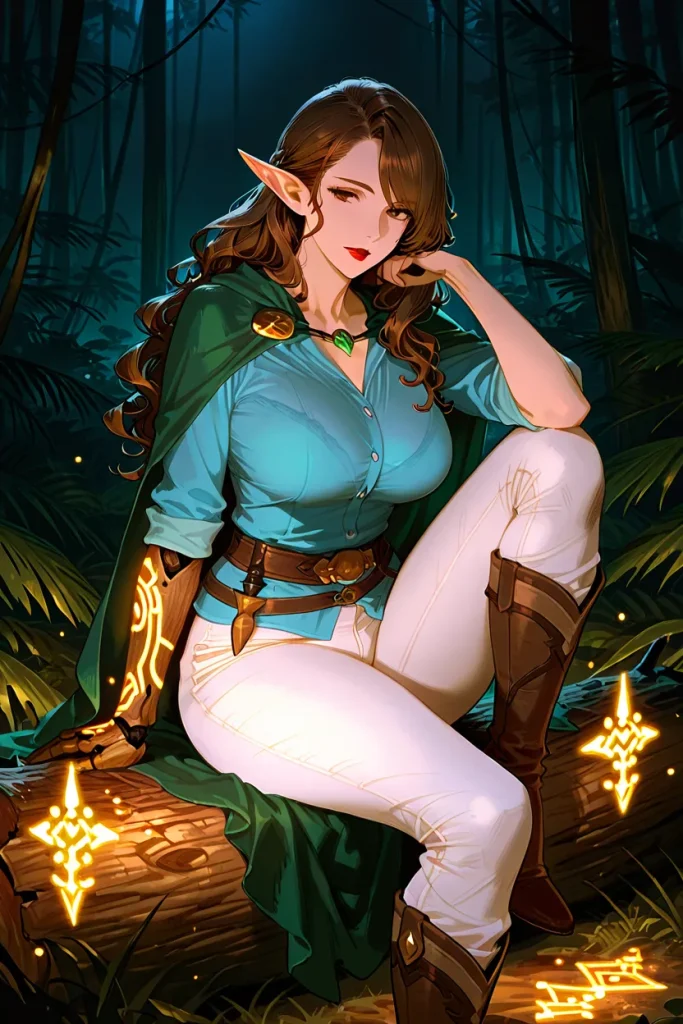
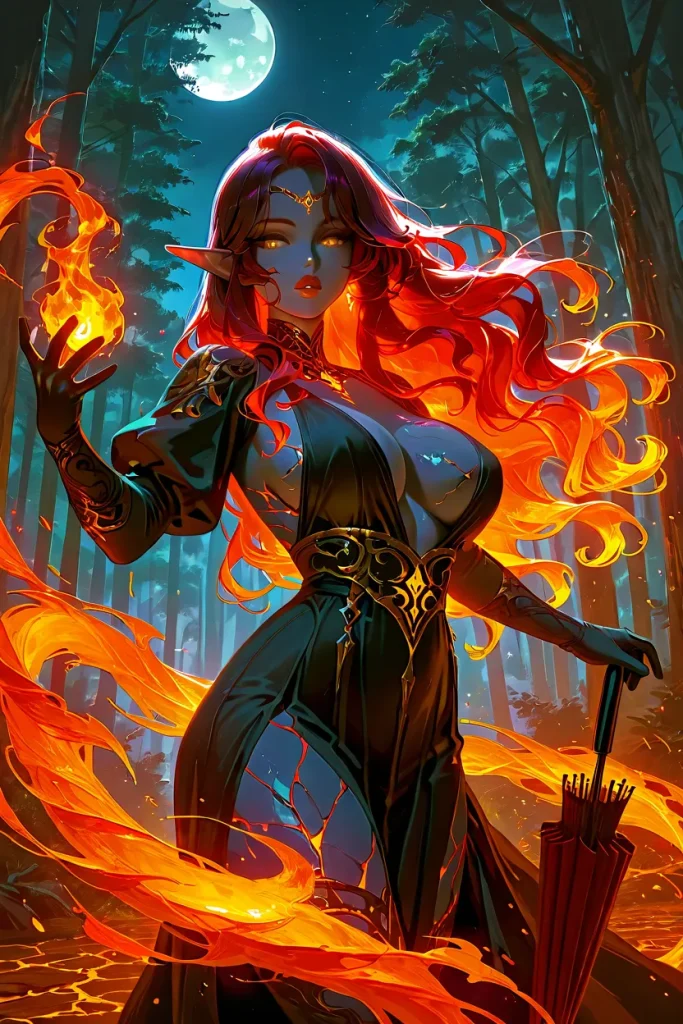
Make Cool DnD Characters From Simple Text Prompt
The DnD AI Art Generator lets you create striking DnD characters from simple text prompts, just like this hooded wanderer who conceals a locked wooden chest beneath his cloak. A single description—such as “a shadowy rogue carrying a secret treasure through a dimly lit hall”—is enough for the AI to produce a character with cinematic lighting, textured fabrics, and mysterious atmosphere. Whether you imagine a brooding mage, a treasure-bearing rogue, or any other fantasy archetype, the generator brings that vision to life instantly and with remarkable detail.

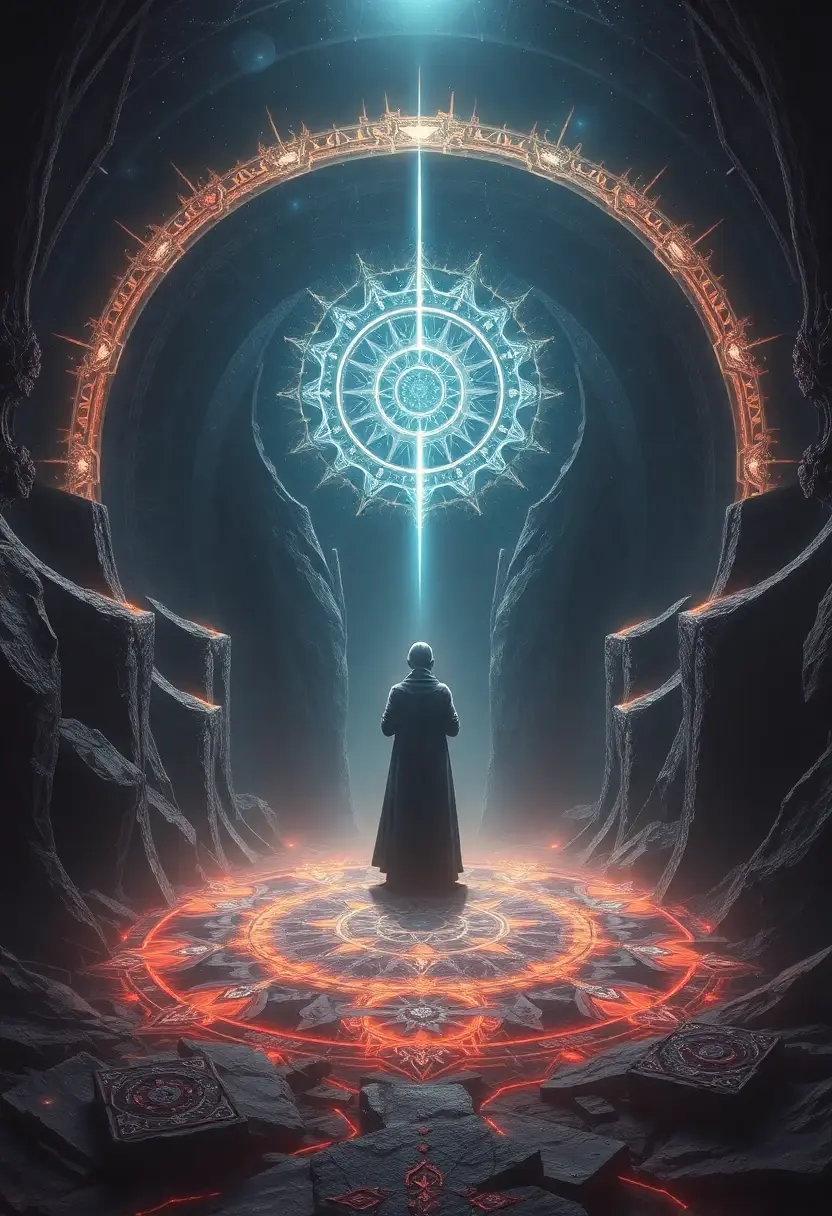
Create Stunning DnD Style Scene with DnD AI Art Generator
Anifun DnD AI Art Generator makes it easy to create stunning DnD-style scenes from just a simple idea, just like this mystical chamber where a lone mage stands before a radiant celestial sigil. By describing a scene such as “a robed spellcaster activating an ancient magic circle inside a cavern of glowing runes,” the AI brings your vision to life with dramatic lighting, enchanted symbols, and atmospheric depth. Whether you want epic battlefields, sacred temples, arcane rituals, or world-building environments, the generator transforms your imagination into cinematic DnD artwork in seconds.
Tutorial
How to Create High-quality DnD AI Art?
Click the “Get Started For Free” button on this page’s cover to go to our AI Image Generator tool page.
Start with a detailed text prompt that explains the essential traits of your DnD character or environment. Include elements such as appearance, clothing, race, class, mood, lighting, and setting. The clearer your description, the more accurately the DnD AI Art Generator can recreate your vision.
Enhance your prompt by adding stylistic cues—such as “epic fantasy,” “dark arcane energy,” “celestial glow,” “heroic portrait,” or “dramatic lighting.” These keywords help the AI shape the final artwork’s tone and quality, producing more immersive, high-resolution DnD visuals.
After generating your artwork, review the details and refine your prompt if needed. Adding small adjustments—like changing poses, background elements, colors, or magical effects—can elevate the final result. Regenerate until you achieve the perfect high-quality DnD art piece that matches your imagination.
Help Center
FAQ about DnD AI Art Generator
1. What kind of prompts work best for generating high-quality DnD art?
Detailed prompts with clear descriptors—such as race, class, clothing, emotion, lighting, environment, and magical elements—produce the best results. The more specific your idea, the more accurately the DnD AI Art Generator recreates it.
2. Can the generator create both characters and full DnD scenes?
Yes. You can generate single characters, party groups, battle scenes, magical rituals, fantasy landscapes, or cinematic environments. The DnD AI Art Generator is designed to handle both portrait-style art and large-scale world-building scenes.
3. Do I need drawing skills to use the DnD AI Art Generator?
Not at all. Simply describe what you want in natural language, and the AI transforms your text into polished, high-quality DnD artwork. Anyone—from beginners to experienced Dungeon Masters—can create stunning visuals.
4. Can I use the generated art for my campaigns, characters, or homebrew content?
Absolutely. Most users generate art to visualize their characters, create NPC portraits, design campaign scenes, or illustrate homebrew lore. You’re free to use the artwork in your personal DnD projects, sessions, and storytelling.
5. How do I make the AI match the exact style I have in mind?
Add stylistic keywords to your prompt—such as “dark fantasy,” “celestial theme,” “comic-style,” “realistic rendering,” or “vibrant magical glow.” These cues help the DnD AI Art Generator align with your preferred artistic style.
6. What should I do if the generated artwork doesn’t look the way I imagined?
Try refining your prompt by adding missing details, adjusting mood or lighting, or specifying pose, camera angle, and color palette. Small prompt adjustments often lead to dramatically better results, and you can regenerate until you’re satisfied.
7. Is the DnD AI Art Generator free to use?
Yes, you can generate DnD characters and scenes for free with our basic mode. There are no sign-ups required, and you can create as many images as you like. Optional premium features—such as higher resolution outputs or advanced styles—are available for users who want even more control and quality.