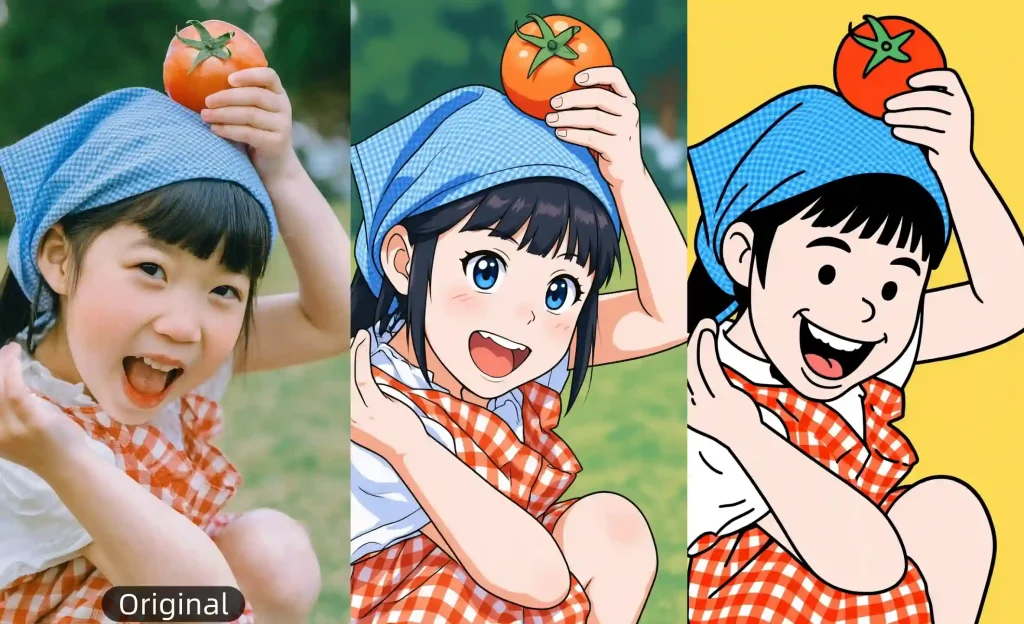
Loading Anifun AI
Image to Image
1
Upload Your Image
Drop file here or click to upload
(JPG、PNG、WEBP) <= 10MB
2
Choose an image style you like
Anime
Kawaii anime
Cartoon
Webtoon
Manga
Ghibli
Cyberpunk
DnD
Snoopy
Chibi
Disney
Clay
Simpson
South Park
Family Guy
Muppet
Line art
Caricature
Watercolor
Van Gogh
Oil Painting
Minicraft
GTA
PS2
Pixel
Dark Fantasy
Pop Art
Neon sign
Lego

Photo to Cartoon

Turn any photo into cartoon art with dozens of creative styles.

No ideas yet? Try a preset to get started.

Photo to Cartoon Online Free✨

Turn any photo into charming cartoon art in seconds. Our free AI photo to cartoon tool offers dozens of unique styles for portraits, pets, and landscapes—no sign-up, no watermark. Just upload your image and get a clean, high-quality cartoon that’s perfect for social media, creative projects, or simply having fun.

Start Cartoonizing 🪄
  • 100% Free
  • No Sign-up
  • No Limits
photo to cartoon
Features

Discover the Magic of AI Photo to Cartoon

Easily transform your photos into charming cartoons with AI. Choose from multiple styles and create fun, high-quality images in seconds.

Artistic Variety

Explore a Wide Variety of Unique Cartoon Styles

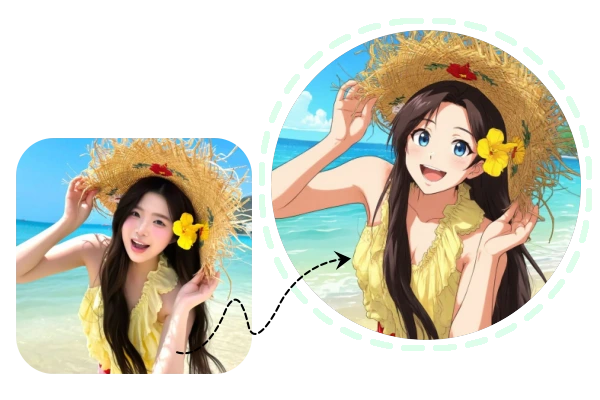
Discover dozens of AI-powered effects in our photo to cartoon tool, from vibrant anime and dreamy Ghibli to modern retro and big-eye portraits. Each style adds a unique personality to your photos, whether you want soft, aesthetic vibes or a bold, fantastical look. In just seconds, you can create personalized, high-quality cartoon art that’s perfect for social media, prints, or fun projects.

Convert My Photo to Cartoon 🪄
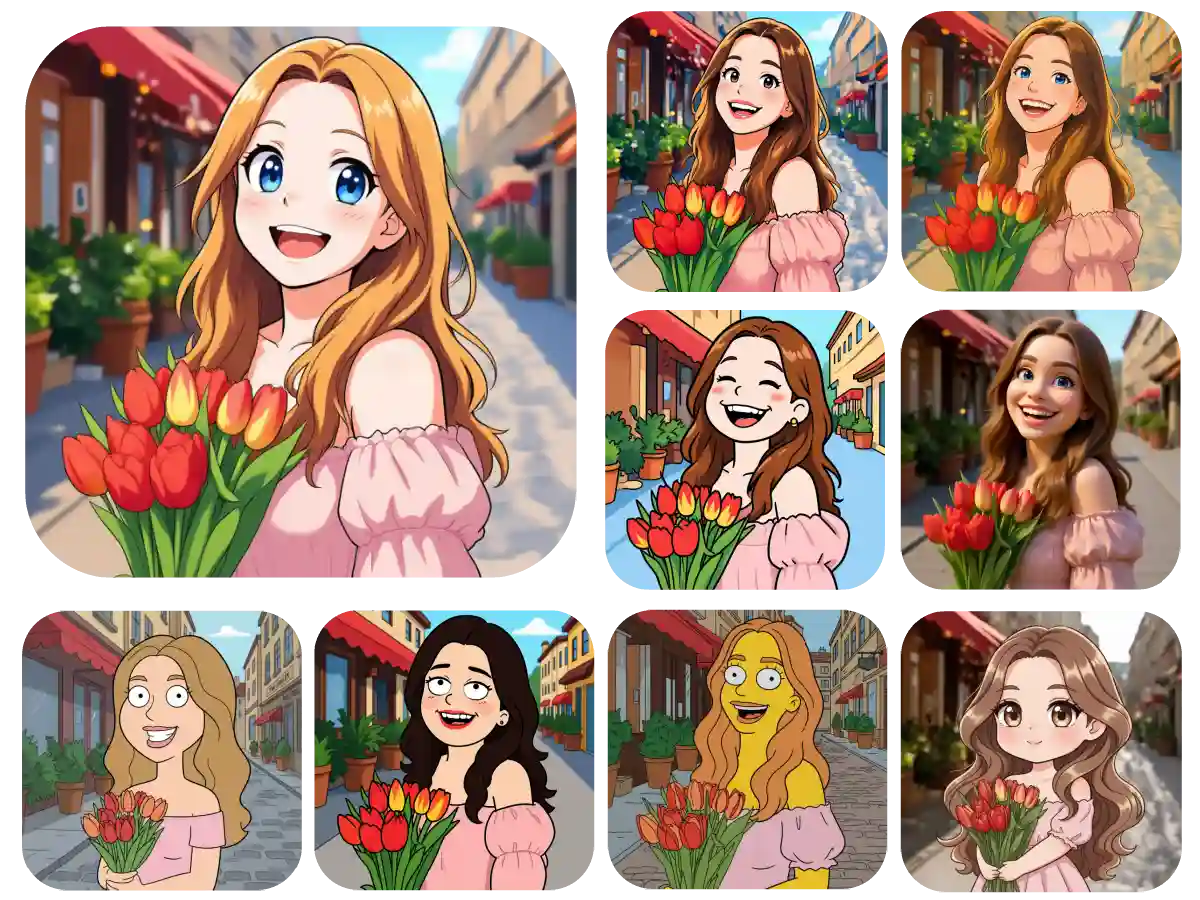
dozens cartoon style
Fast & Free

Get Instant, High-Quality Results for Every Image

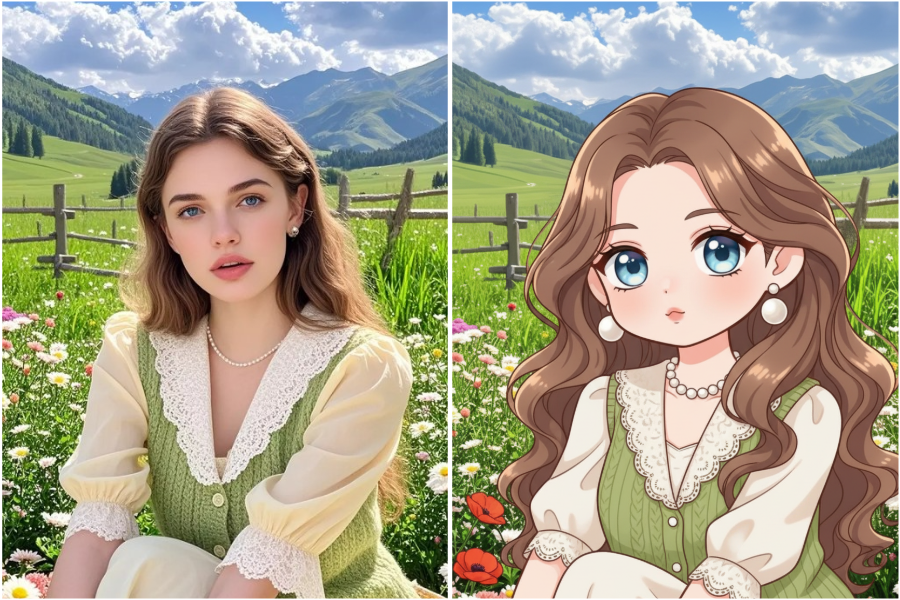
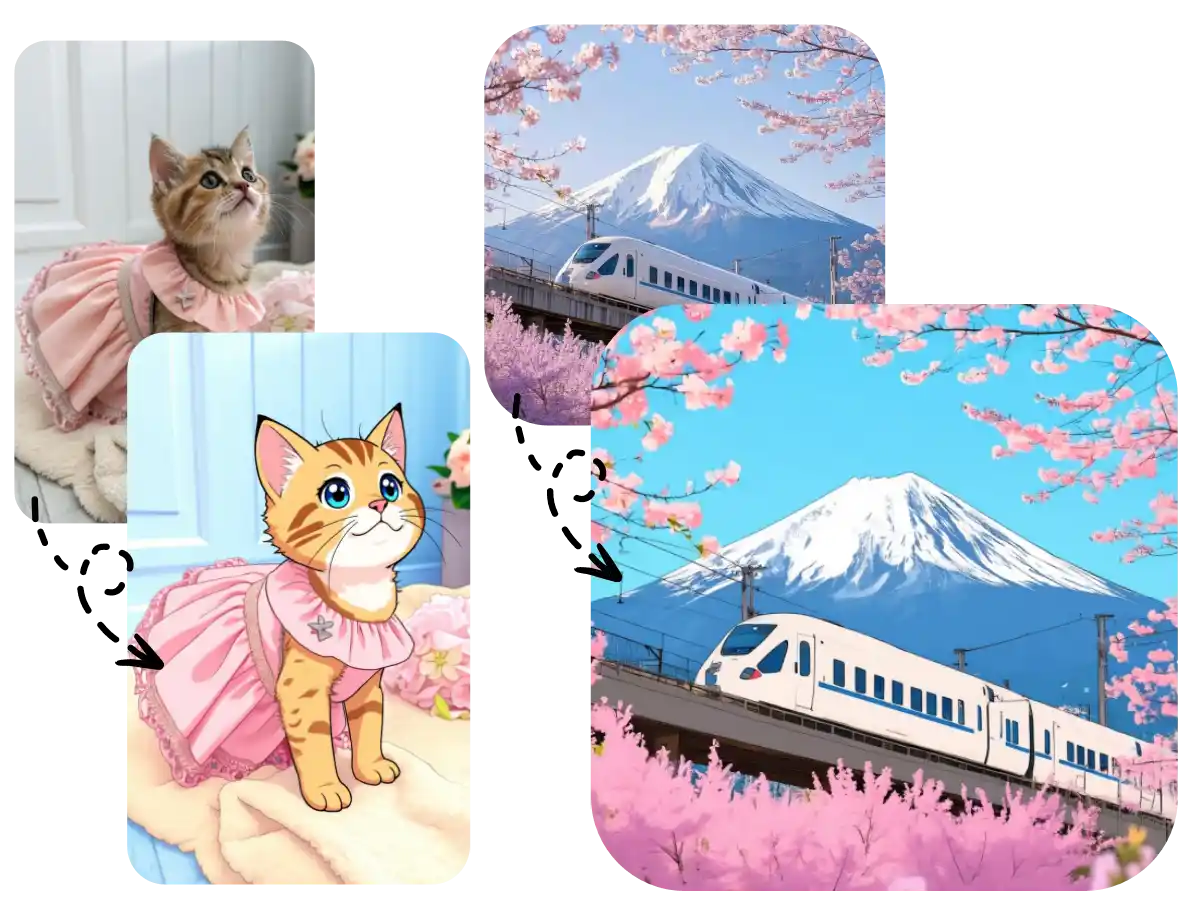
Our advanced AI converts your photos to cartoon instantly, producing polished, high-resolution results every time. Perfect for avatars, prints, and social media, the tool requires no editing skills, making it accessible for everyone. With unlimited free use, you can transform any portrait, pet, or scenery into charming cartoon art in just a few clicks.

Create Cartoon Style Photo ✨
high quality cartoon image from photo
Use Case

Creative Ways to Use AI Photo to Cartoon

Discover fun ways to turn selfies, pets, and photos into unique cartoons. Perfect for social media, avatars, greeting cards, and personal projects.

Fun in Designs

Give your posters, ads, and digital projects a whimsical twist with cartoon effects that stand out.

Pets as Cartoons

Convert pet photos into charming, expressive illustrations perfect for prints, frames, or sharing online.

Selfies to Cartoons

Turn your selfies into lively, playful cartoon portraits that capture your personality in a fun, artistic way.

Artful Cards

Enhance cards for any occasion with colorful, hand-drawn cartoon elements that make them memorable.

Comic Stories

Use cartoon transformations combined with layouts and text to craft your own unique comic strips.

Cartoon Avatars

Create bold, illustrated profile images from your selfies that instantly showcase your style.

Selfies to Cartoons

Turn Your Photos into Fun Cartoon Art

Easily transform selfies, pet photos, or any image into playful, high-quality cartoon illustrations. Perfect for social media, avatars, prints, or personal projects.

Start for Free
How it works

How to Turn Your Photos into Cartoons

Follow a few simple steps to transform any photo into a charming cartoon. Upload your image, pick a style, and let our AI do the rest in seconds—no experience needed!

01
Upload Your Image

Drag and drop or click to upload any photo. We support JPG, PNG, and WebP files up to 10MB.

02
Choose Your Style

Explore over 10+ unique cartoon styles and pick the one that best fits your vision.

03
AI Processing

Our smart AI instantly transforms your photo into a stunning cartoon artwork in seconds.

04
Download Your Cartoon

Get your high-quality cartoon ready for social media, prints, or any creative project.

Help Center

FAQ About Photo to Cartoon

Q1: What is a photo to cartoon tool?

A photo-to-cartoon tool is an AI-powered converter that transforms your images into cartoon, anime, or illustrated styles—no drawing or design skills needed.

Q2: What cartoon styles can I use?

You can choose from various styles, including anime, comic book, Ghibli-inspired, hand-drawn, big-eye portraits, retro cartoons, and more. Each style gives your photo a unique artistic look.

Q3: What types of photos can be turned into cartoons?

Portraits, selfies, pets, landscapes, food, objects—almost any clear photo with a visible subject can be converted into a cartoon.

Q4: How long does it take to convert a photo into a cartoon?

It usually takes 1–3 seconds. Once you upload your image, the AI processes it instantly.

Q5: Do I need to log in or pay to use it?

No. Our photo to cartoon tool is completely free, with no login required and unlimited use.

Q6: Will the downloaded cartoon image have a watermark?

No. You can download high-quality, watermark-free cartoon images ready for avatars, prints, and sharing.

Q7: Can I turn my cartoon image back into a realistic photo?

Yes. You can use our Cartoon to Realistic features to transform cartoon-style images back into realistic faces.

Explore

Explore More Free AI Tools on Anifun AI