Best 10 Photo to Anime AI Tools in 2026
Summary: Explore the top 10 photo-to-anime tools of 2026, including AniFun AI, Canva, and more. Compare multiple dimentions to find your perfect tool.
In 2026, photo-to-anime tools have become more practical and diverse. Whether you’re looking to quickly create personalized anime avatars for social media or find inspiration for manga creation, these tools efficiently transform your photos into anime-style artwork. Different tools offer various advantages in terms of functionality, effects, and ease of use. Choosing the most suitable tool can greatly enhance your creative efficiency and the quality of your work. In this article, we will compare 10 popular photo-to-anime tools based on real use cases to help you find the best option for your needs.
| Tool / Dimension | Free Without Login | Style Control | Ease of Use | Best For | Anime Style Accuracy |
|---|---|---|---|---|---|
| AniFun AI | Yes, no login required | 29 styles, high detail quality | Very simple, one-click generate | Users seeking high-quality anime avatars or manga creation | Excellent, highly accurate in various anime styles |
| Canva | One free attempt per day, login required | 4 styles, with advanced settings and prompts | Easy interface, direct editing | Users needing basic customization, or simple anime creation | Moderate, good for simplified anime avatar conversion |
| Drawever | Free attempts, login required | 6 styles, adjustable quality & transformation strength | Simple interface, some learning needed | Social media users, beginners, creative designers | High, good detail restoration, customizable transformation strength |
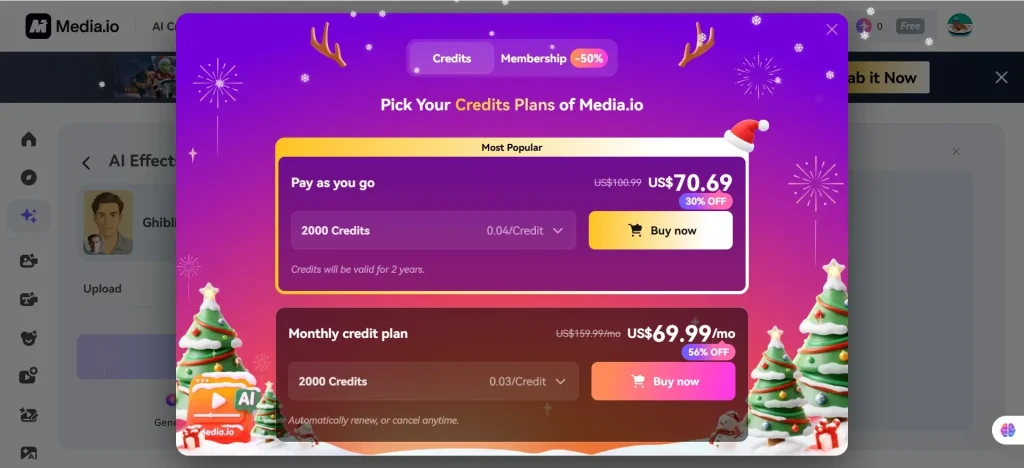
| Media.io | Not free | —— | —— | —— | —— |
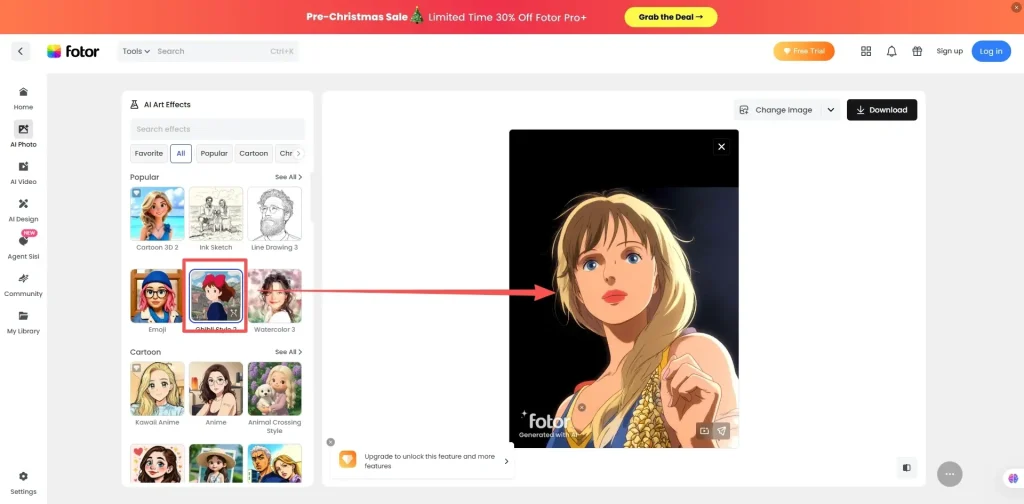
| Fotor | One free use, login required for download | Multiple styles, average detail restoration | Simple, one-click generation | Beginners and users needing personalized avatars | Moderate, best for simple avatar conversions |
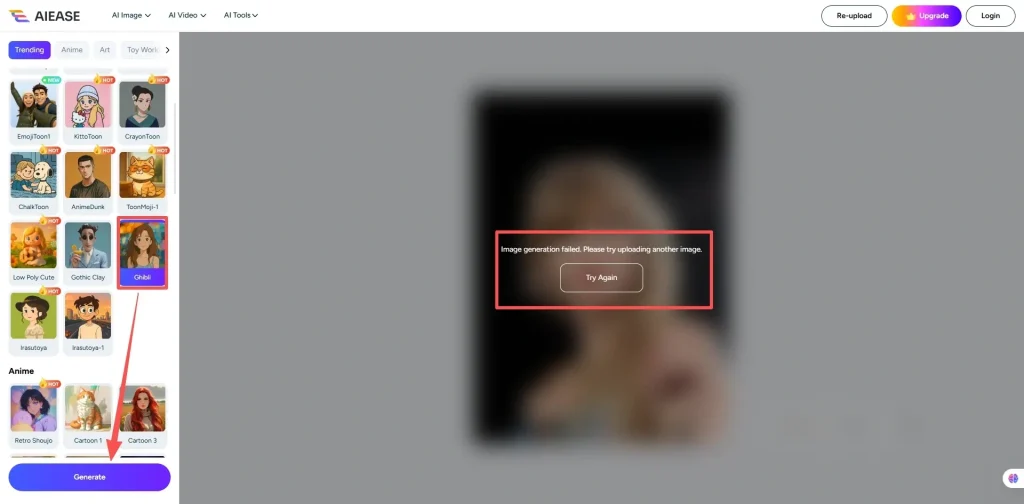
| AI Ease | Yes, no login required | Multiple styles, requires high-quality input | Simple, but limited to one image | Users with high demands for quality | —— |
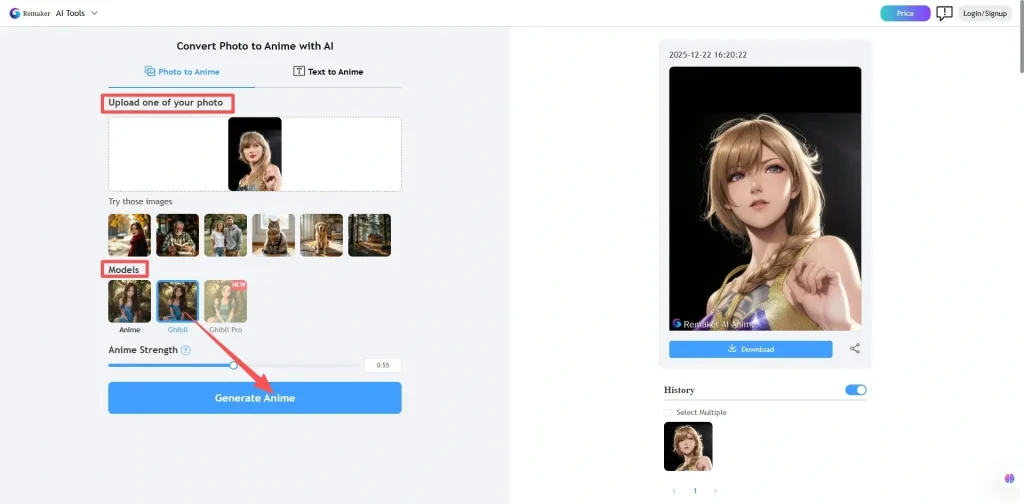
| Remaker AI | Yes, no login required | Limited to anime & Ghibli styles | Simple, one-click generation | Beginners and those with basic needs | Low, lacks detail and accurate style restoration |
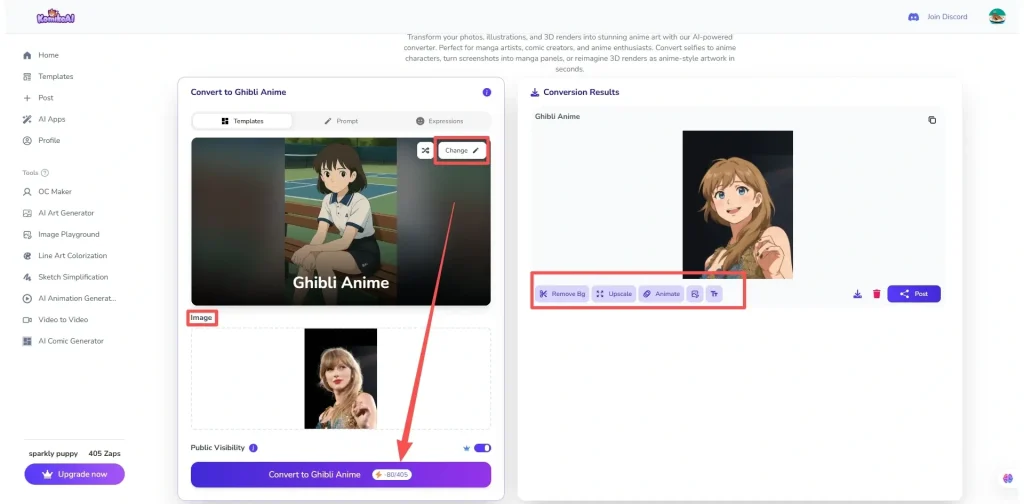
| Komiko AI | Free attempts, login required | Multiple styles, high-quality detail | Simple, editable after generation | Users creating anime avatars or customized characters | High, supports fine adjustments in anime style |
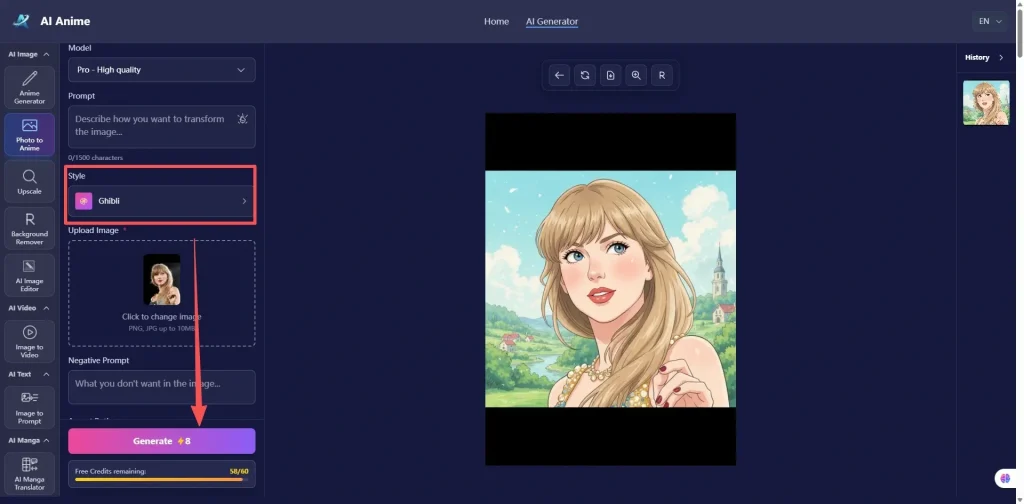
| aianime.io | Yes, no login required | 10 styles, with custom prompts & model selection | Simple interface | Experienced creators familiar with AI prompt tools | Moderate, good for quick anime avatar generation |
| insMind | Free attempts, login required, charges for high-quality download | Multiple styles, average detail restoration | Simple, beginner-friendly, editing available | Users needing quick conversions with light customization | High, good style but slightly weaker detail accuracy |
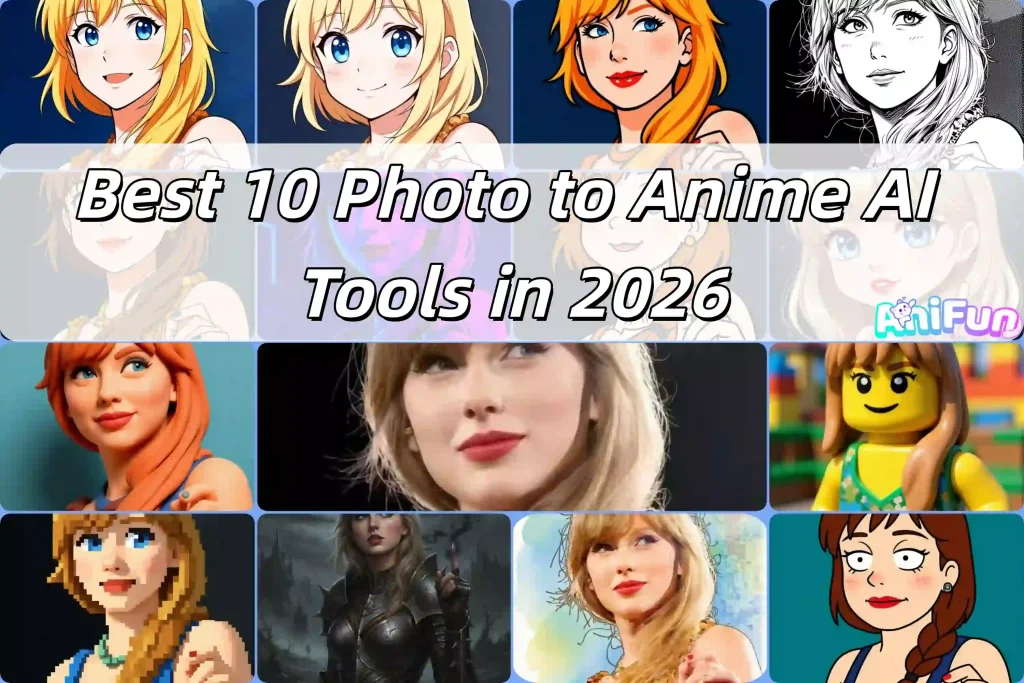
Top 10 Photo to Anime Converters in 2026: Interface, Features, Pros & Cons
For better comparison, all tools will adopt the Ghibli style.
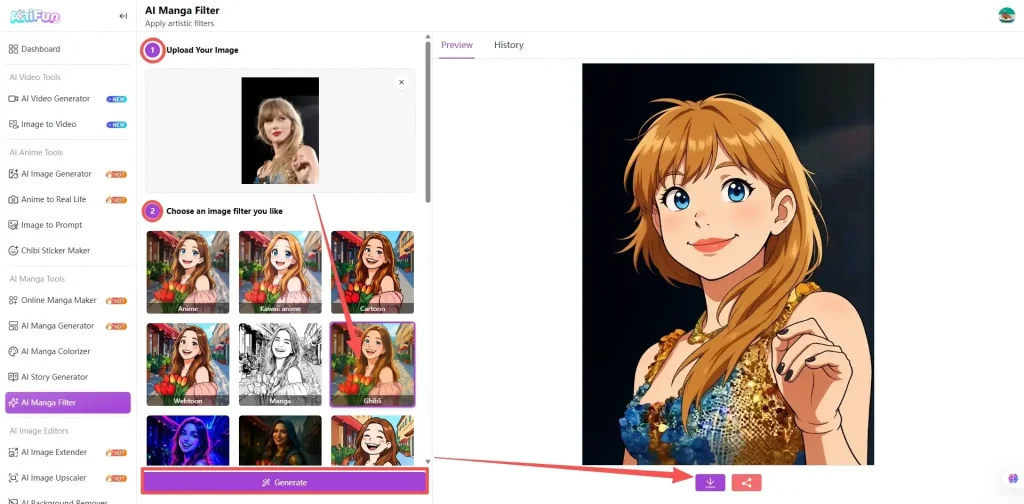
AniFun AI
Features:
A free tool that offers automatic conversion into various anime styles. It has a simple interface to transform your photo into anime.
Pros✅
- It offers multiple anime style conversions, such as modern and classic styles.
- No login required for free use.
- The results are natural, with accurate anime styles and high-definition, watermark-free output.
Cons❌
- Does not offer customization options, so you can’t adjust details such as facial features, hairstyle, or clothing.
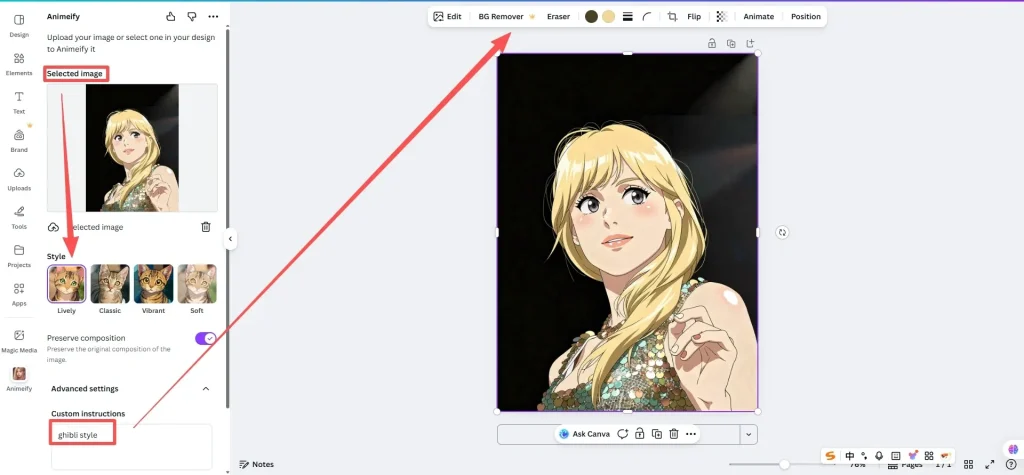
Canva
Features:
A tool that offers basic anime style conversion, supporting simple design features such as background, text, and color editing.
Pros✅
Easy to use, suitable for beginners and non-professional creators.
Supports graphic design features, ideal for social media content creation.
Cons❌
- The anime style conversion feature is basic and limited, with no detailed adjustments available.
- Lacks advanced customization options, suitable for users with simple needs.
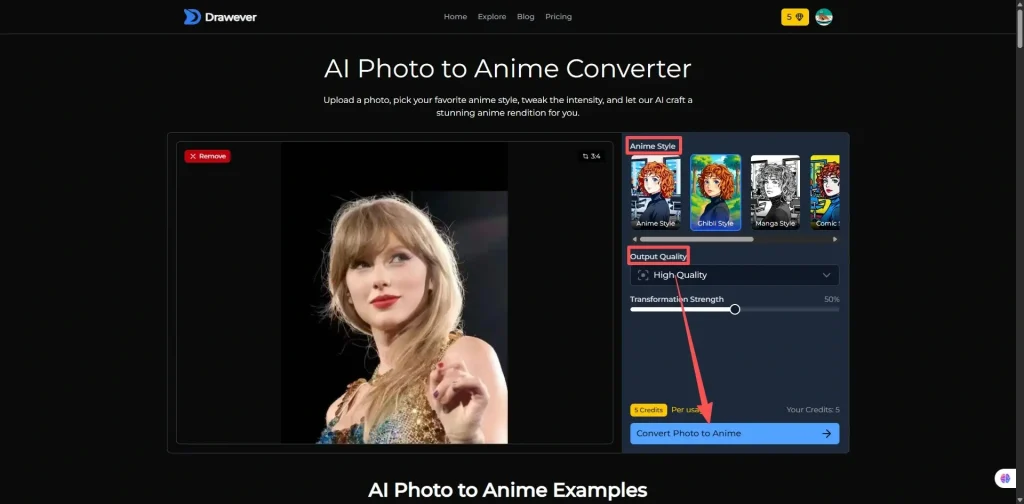
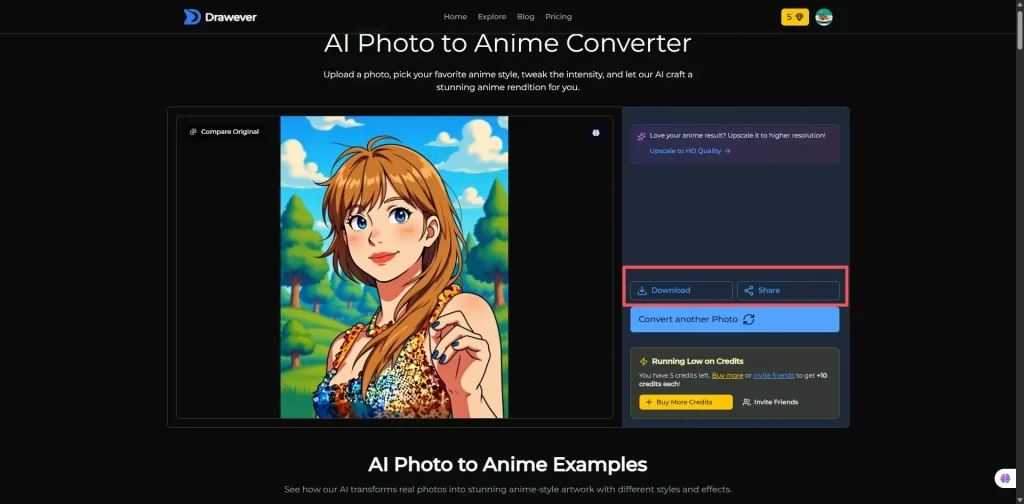
Drawever
Features:
A tool that offers basic popular anime styles for conversion, allowing users to choose output quality and transformation strength.
Pros✅
- More customization options, allowing for detailed adjustments.
- Generates good-quality styled images.
Cons❌
- Lack of explanations for customization features, not ideal for complete beginners.
- Automatic background addition cannot be selected.
Media.io
Fotor
Features:
A tool that supports various comic styles, but with poor detail restoration.
Pros✅
- Offers multiple styles to meet different user needs.
- Simple to use, suitable for beginners.
Cons❌
- Low detail restoration.
- Advanced features may require a paid upgrade.
AI Ease
Pros✅
- Free to use without login.
- Offers multiple styles to meet different user needs.
Cons❌
- Requires high-quality photos, unable to generate from low-quality images.
- Downloading high-quality images requires a paid upgrade.
Remaker AI
Pros✅
- Free to use without login.
- Easy to operate, fast conversion, suitable for beginners.
Cons❌
- Limited style selection, not suitable for complex creative needs.
- Generated results may not match the selected style.
Komiko AI
Pros✅
- Natural conversion results, suitable for personalized anime creation.
- Rich editing options that meet diverse creative needs.
Cons❌
- Advanced features require a paid upgrade.
- Some customization options may not be flexible enough, still with some limitations.
aianime.io
Pros✅
- Free to use without login.
- Users can precisely control the generated image effects through custom and negative prompts.
Cons❌
- Fewer style options compared to other tools, relies on user input for prompts.
- Generated style may not match the selected style, often staying closer to the original image.
insMind
Features:
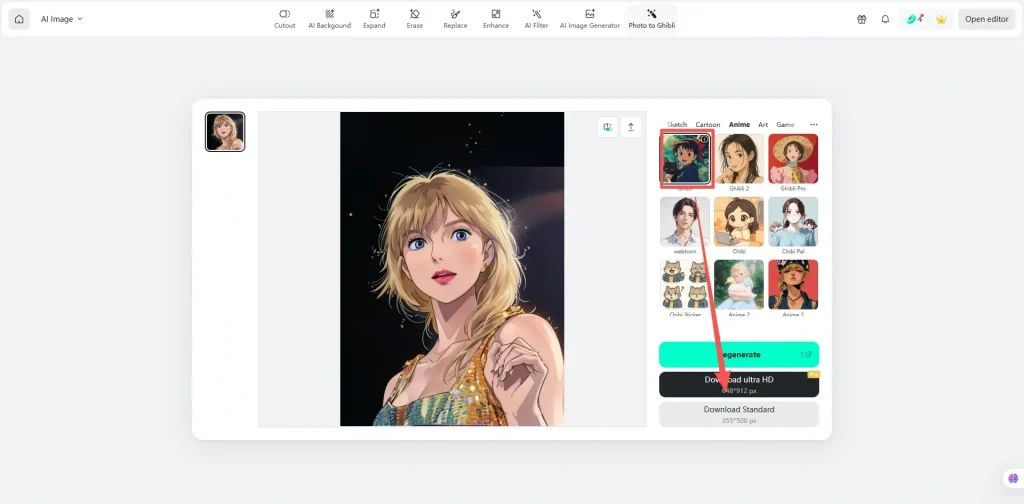
A tool that offers various style conversions for image-to-anime generation, with moderate detail restoration, suitable for users who need quick conversions with light customization.
Pros✅
- Diverse styles, catering to different user needs.
- Simple to operate, suitable for beginners.
Cons❌
- Requires login to use free attempts, and downloading high-quality results requires a paid upgrade.
- Moderate detail restoration, suitable for users with high style requirements but less concern for fine details.
Conclusion
Truly Free Tools & Free but Limited Functionality
| Truly Free Tools | |
| ● Users can start generating images with no login required and no restrictions on basic usage. ● Ideal for users who only need basic features and don’t want to register an account. |
AniFun AI, AI Ease, Remaker AI, aianime.io |
| Free but Limited Functionality | |
| ● Login required for free attempts; premium features need payment. ● Ideal for occasional users who don’t need high-quality results. |
Canva, Drawever, Fotor, Komiko AI, insMind |
Entry-Level Tools & Advanced User Tools
| Entry-Level Tools | |
| ● Quick and easy generation of anime avatars or style images. ● Ideal for beginners who want fast results without learning complex features. |
AniFun AI, Fotor, insMind |
| Advanced User Tools | |
| ● More customization options and style control. ● Suitable for advanced users seeking creative freedom. |
Canva, Drawever, AI Ease, Remaker AI, Komiko AI, aianime.io |
Quick and Easy & High Control but Complex
| Quick and Easy | |
| ● Upload a photo, choose a style, and get anime results in minutes. ● Ideal for users who need quick results without delving into details. |
AniFun AI, Canva, Fotor, AI Ease, Komiko AI, insMind |
| High Control but Complex | |
| ● Provides creative freedom but requires learning and mastering the controls. ● Best for users who want to control every detail, though the tools are more complex and take time to get used to. |
Drawever, Remaker AI, aianime.io |
When comparing various photo to anime tools, AniFun AI stands out for its seamless, high-quality results with no login required. It offers an easy, one-click generation process, making it ideal for users seeking quick and accurate anime transformations without the need for complex customization. While other tools may provide more detailed customization options, AniFun AI excels in its simplicity and reliability, making it the best choice for those who value both speed and quality in anime character creation.