AI Animation Generator
Create short, high-quality animations from images, videos, or text using AI. Built for characters and illustrations, it helps creators generate smooth motion and consistent results in minutes—no animation skills, complex timelines, or manual setup required.
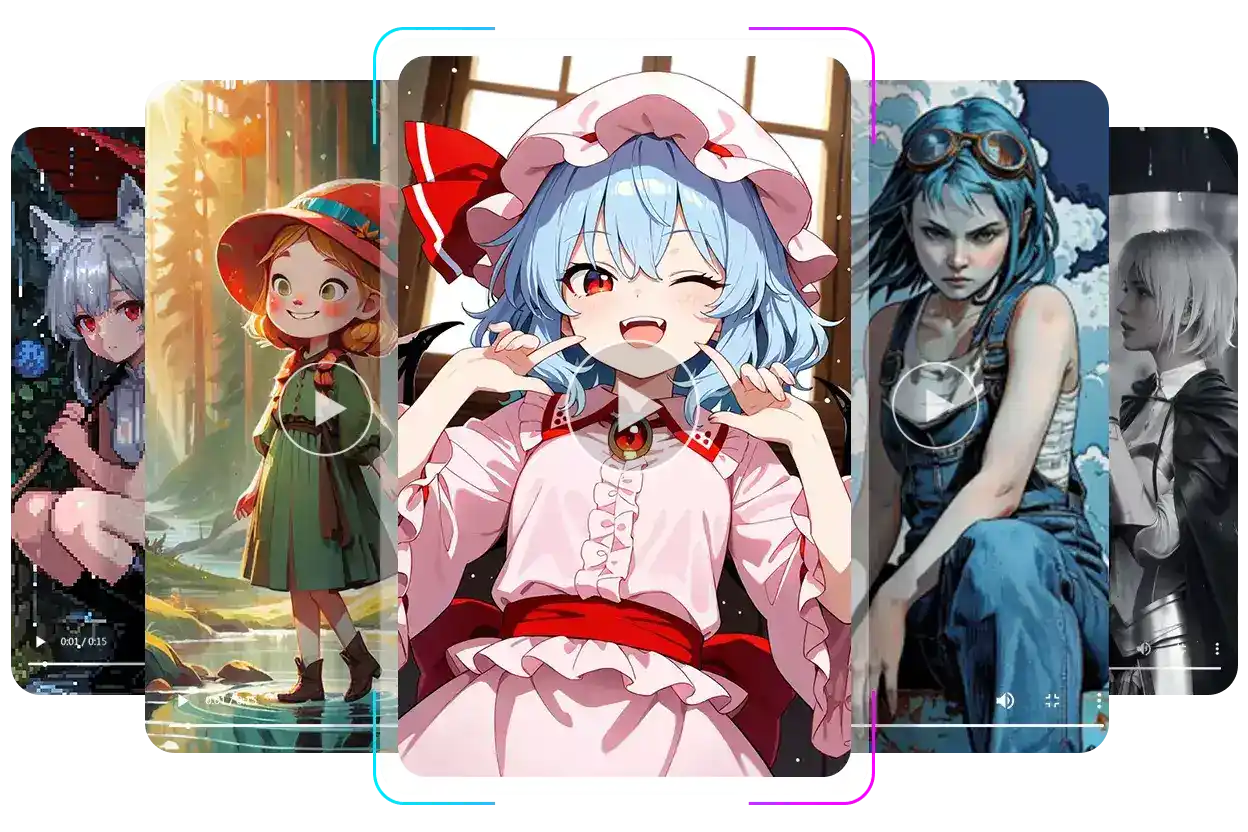
Demo
What Is an AI Animation Generator?
An AI Animation Generator is a lightweight tool that adds motion to images, videos, or text using AI. It focuses on creating short, character-based animations without timelines, rigging, or frame-by-frame editing.
Text to Video
Image to Video
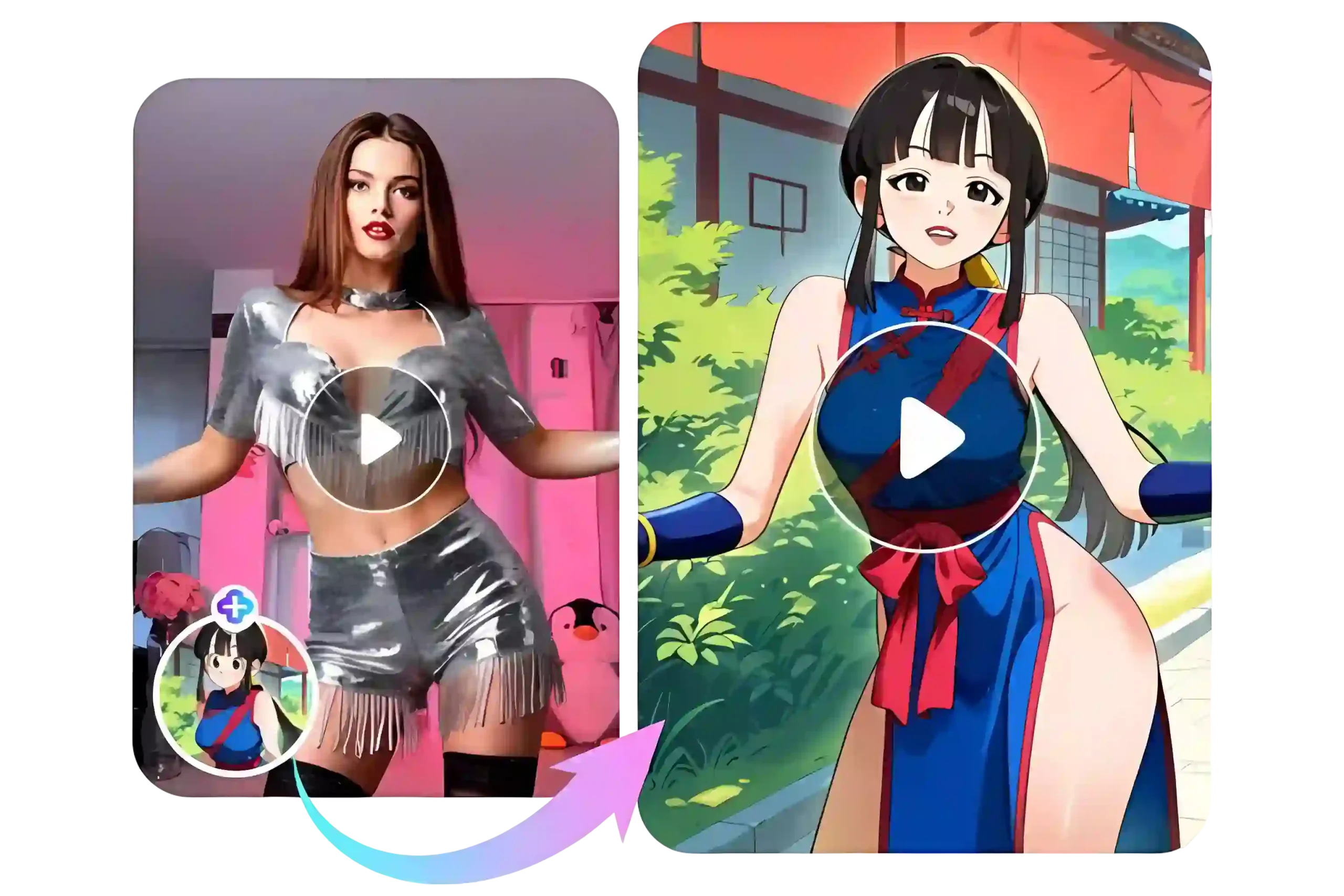
Video to Video
Features
One AI Animation Generator, Three Flexible Creation Modes
Explore a flexible AI Animation Generator that turns text, images, or videos into smooth animations, powered by animation AI for fast, creative results.
Text to Animation Using Simple Natural Language Descriptions
Create animations directly from text using an AI animation generator designed for natural language input. Simply describe character actions, motion, or camera behavior in plain language—no prompt engineering or animation knowledge required. This animation AI automatically interprets your description and generates a short animation, making it ideal for prototyping ideas, testing scenes, or creating animations without any visual input.
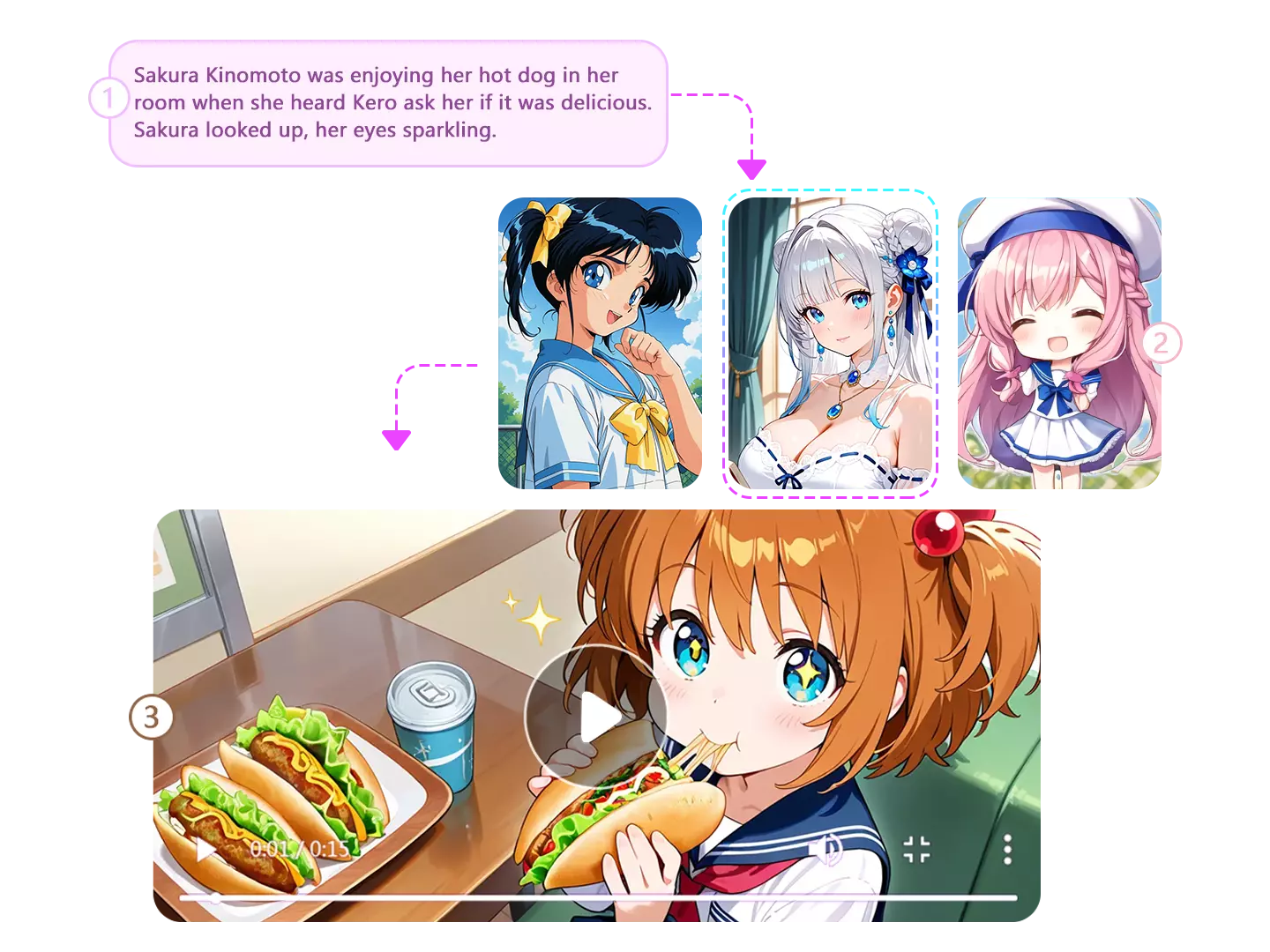
Image to Animation for Characters and Illustrated Artwork
Turn a single static image into an animated result with smooth, AI-generated motion using our AI animation generator. This feature is built for characters and illustrated artwork, enabling subtle movements like blinking, breathing, head tilts, or simple gestures. The animation AI removes the need for rigging, timelines, or manual frame editing, allowing you to generate short animations quickly and intuitively.
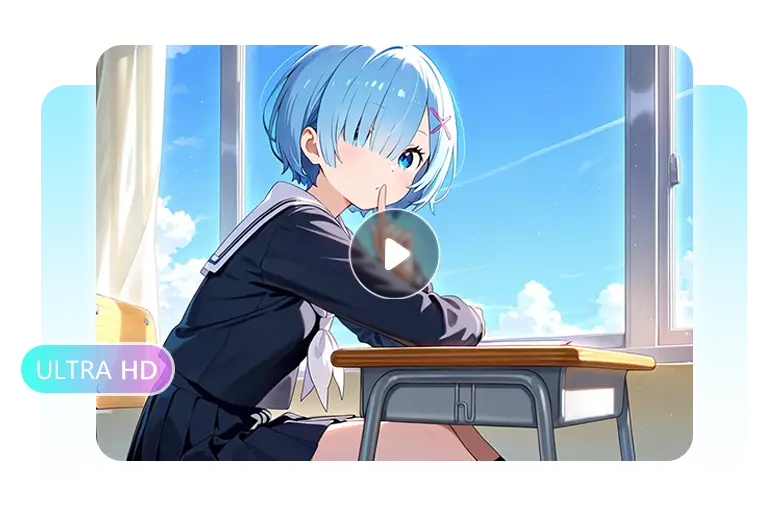
Video to Video Animation While Preserving Original Motion
Transform existing videos into animated outputs using animation AI while preserving the original motion and timing. This AI animation generator analyzes movement from the source video and recreates it with a new animated appearance or character style. It is well suited for converting footage into anime-style animations, reusing motion with different visuals, or adapting clips without re-recording or manual editing.
Use Case
See How People Turn Ideas and Art into Animated Videos
See how different creators bring ideas, artwork, and videos to life with our animation AI. From text prompts to static images and clips, quickly turn concepts into motion.
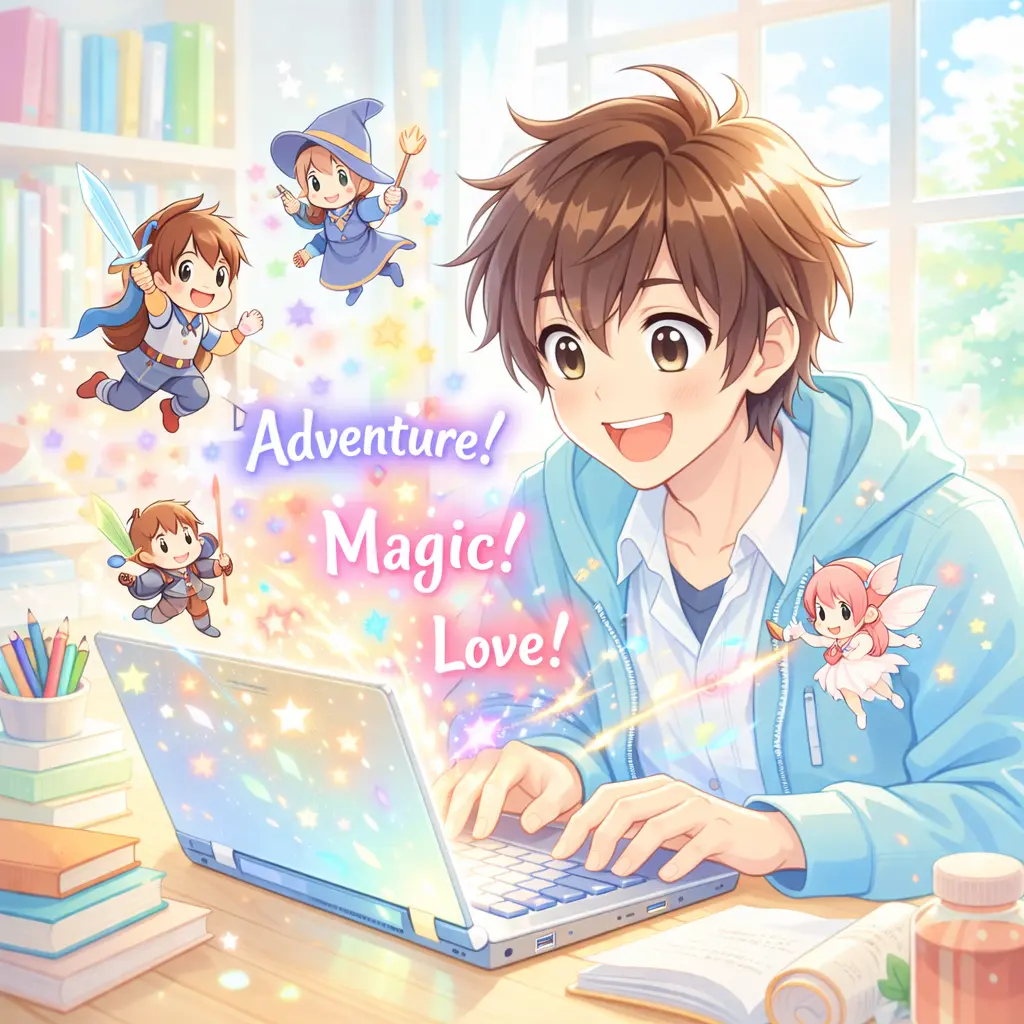
For Creators Who Start with an Idea, Not Footage
Who: Writers and independent creators
Need: Quickly visualize ideas without filming
How they use it:
Describe scenes in text; AI animation generator creates short animated videos.
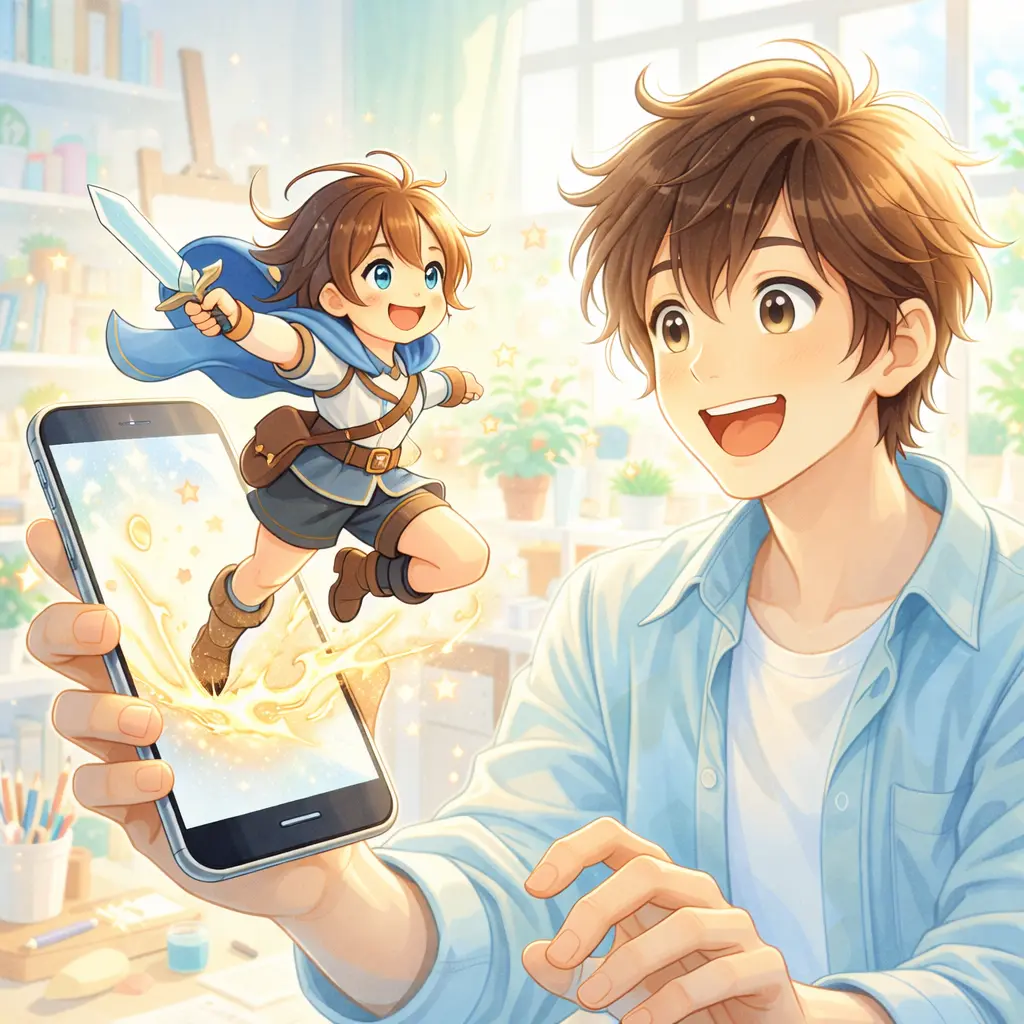
For Artists Turning Static Art into Motion
Who: Anime artists and illustrators
Need: Animate characters, keep style
How they use it:
Upload a single image; animation AI adds subtle motion like blinking or gestures.
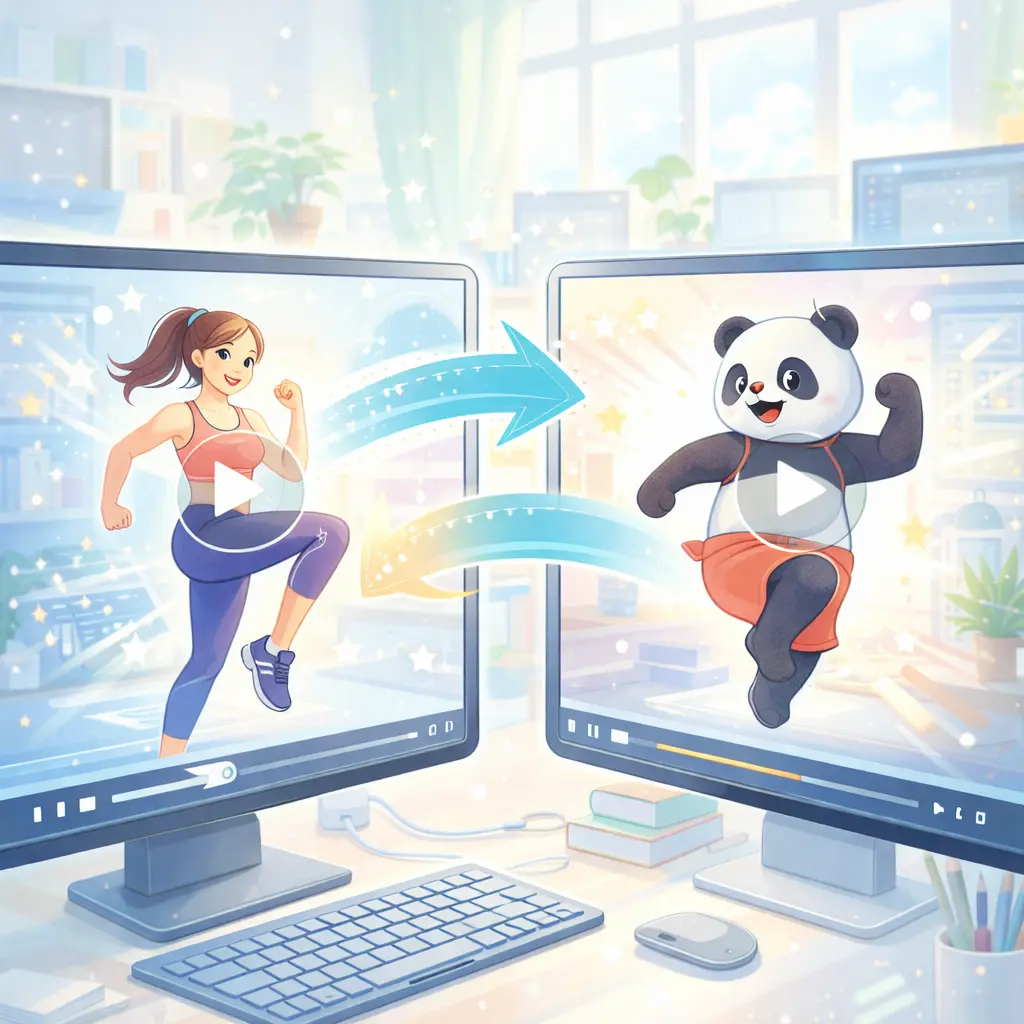
For Video Creators Reworking Existing Content
Who: Short-form video creators
Need: Refresh videos without re-editing
How they use it:
Upload clips; AI animation generator restyles visuals, preserving motion.
Advantages
Why Choose Anifun for AI Animation
See why creators prefer Anifun over other tools: fast generation, flexible inputs, and AI animation for text, images, and videos. Compare features and benefits below.
| Feature / Capability | Anifun | Other AI Animation Tools |
|---|---|---|
| Cost | ✅ Free for all users | ❌ Usually paid or freemium |
| Input Types | ✅ Text, Image, Video | ❌ Often limited to one or two inputs |
| Generation Speed | ✅ Fast, ready in minutes | ❌ Often slower |
| Style Control | ✅ Flexible animation styles (motion, camera, character) | ❌ Limited or preset styles |
| Ease of Use | ✅ Simple workflow with minimal steps | ❌ Often requires setup or complex interface |
| Workflow Integration | ✅ Supports comic creation, storytelling, social content | ❌ General-purpose, not workflow-specific |