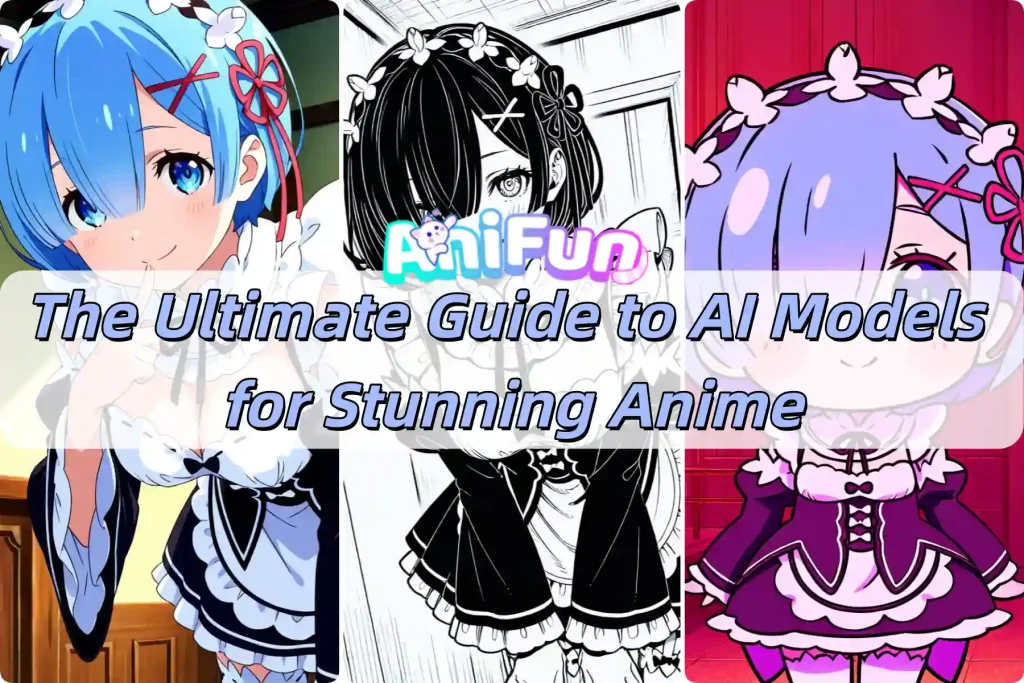
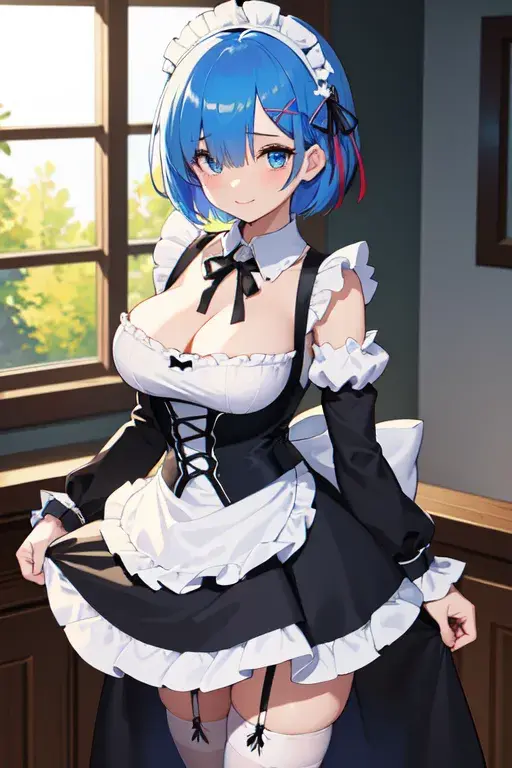
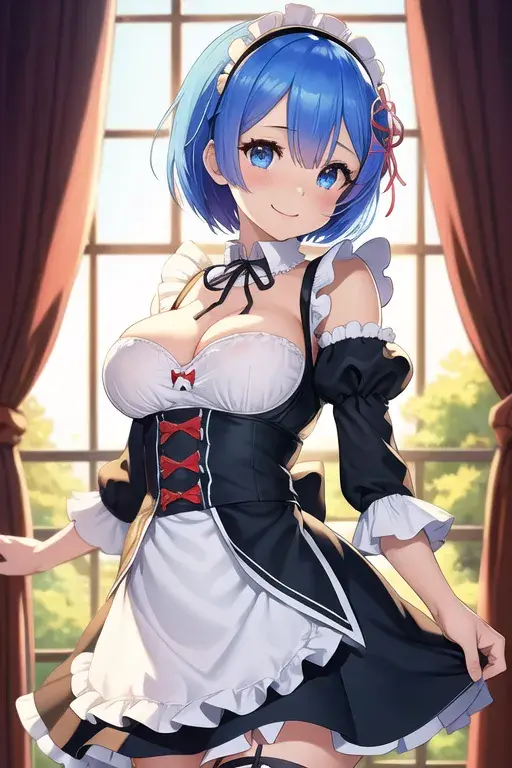
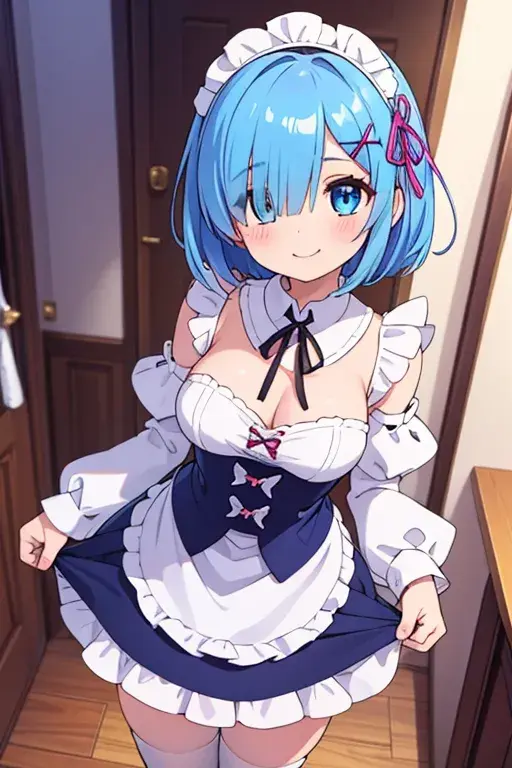
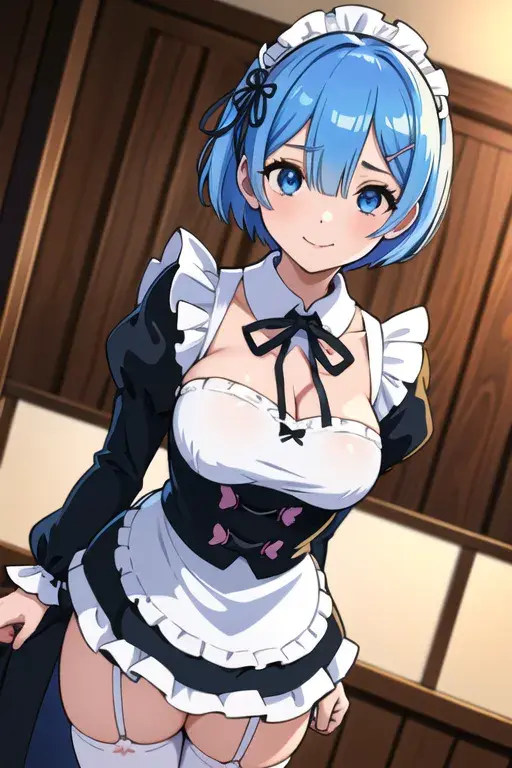
The Ultimate Guide to AI Models for Stunning Anime
Summary: Unlock the potential of AI Anime Generator! Dive deep into guide on AI models—compare SDXL vs SD and master the checkpoint for stunning anime art.
Stop blaming your prompts. You’ve crafted the perfect description, tweaked the CFG scale, and hit generate—only to get a distorted face or a style that looks nothing like what you imagined. Is the tool broken? No. You are likely using the wrong Model.
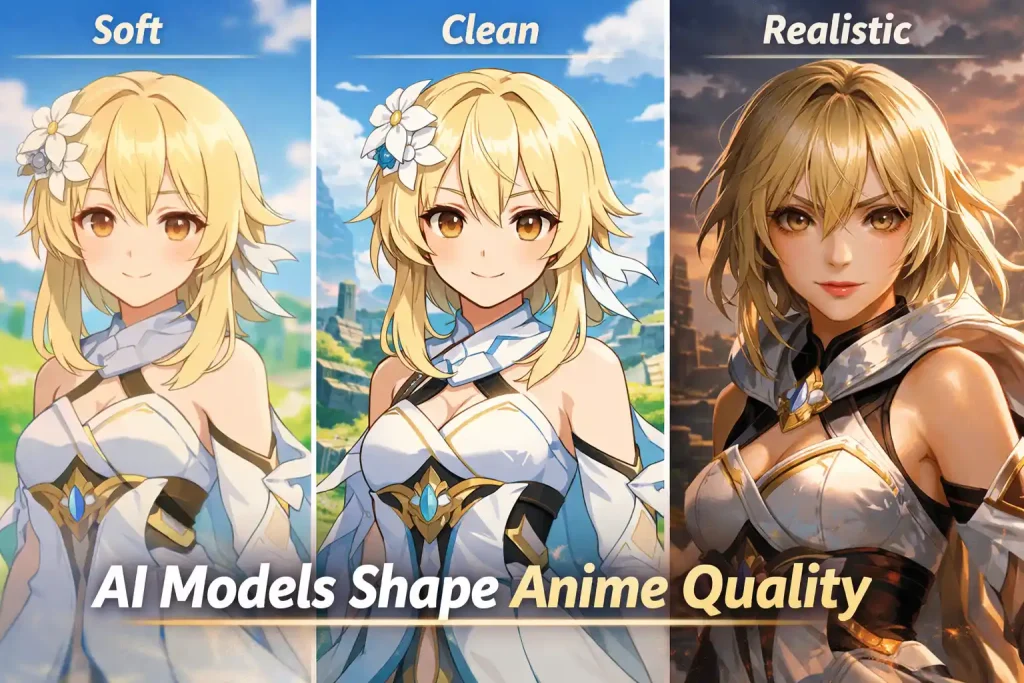
In the world of the Anifun AI Anime Generator, the Model is the engine that drives generation. It is the “brain” of the AI. While your prompt tells the AI what to draw, the Model determines how to draw it—influencing everything from image clarity and lighting to whether your character looks like a 2D anime waifu, a 3D game character, or a hand-drawn manga sketch.
In this guide, we will break down the meanings, functions, and effects of the different models available on Anifun. We’ll explain the critical differences between SDXL and SD (Stable Diffusion), reveal the secret settings for the Pony model, and help you choose the perfect checkpoint to transform your ideas into stunning anime art.
What Are Models?
Think of AI anime generation like a movie production.
The Prompt is the Script (What happens in the scene).
The Model is the Director & Cinematographer (The style, the lighting, the camera lens, and the aesthetic).
If you give a sci-fi script to a director who only makes romantic comedies, the result will be confusing. Similarly, if you want a photorealistic image but select a “Flat Anime” model, the AI will struggle. Choosing the right AI Model is the first and most important step in your workflow.
Why Your Model Choice Matters: Style, Detail, and Consistency
Selecting the correct checkpoint affects four key areas of your generated AI anime:
Image Clarity & Resolution: Some models (like SDXL) are native to high resolutions (1024×1024), providing crisp details on eyelashes and backgrounds. Older models might need “upscaling” to avoid blurriness.
Anime Style Reproduction: Models are trained on different datasets. Some specialize in the “90s retro anime” look, while others excel at the modern, “thick impasto” style seen on Pixiv/Twitter.
Character Consistency: If you are designing a character sheet, certain models hold facial structures better across different angles than others.
Aesthetic & Atmosphere: Some models naturally gravitate towards soft, pastel lighting (Shojo style), while others favor high-contrast, dramatic cinematic lighting (Seinen/Game Art).
How to Choose the Right Model
Overwhelmed by the options? Use this table to quickly find your match.
Goal
Recommended Model
Best Settings
Top Quality Anime
EvaClausMix Pony / WAI-NSFW-illustrious
Steps: 25+, CFG: 7, Use Score Tags
Classic Waifu
MeinaHentai / DivineAnimeMix
Steps: 20, CFG: 7
Manga / Comic
Beret Mix Manga
Steps: 20, Clip Skip: 2
Semi-Realistic
2.5D Anime / Dreamshaper
Steps: 25–30, CFG: 6–8
Chibi / Cute
AsnQversion
Aspect Ratio: 1:1
Anifun AI Anime Generator Model Scenarios
Let’s break down the 16 models available on Anifun into their distinct categories so you know exactly which one to click.
SDXL Models: The High-Resolution Powerhouses
Key Features: Native 1024×1024 resolution, superior prompt understanding, better hands/fingers, and complex background details.
The “Pony” Revolution:EvaClausMix Pony
This is currently the most powerful model for character consistency and versatility, but it comes with a catch. Best for users who want extreme prompt adherence. Because of its unique training data, it excels at both standard anime art and specific fanart characters that other models fail to recognize.
⚠️ Expert Tip: You MUST use specific score tags in your prompt, or the quality will be low.
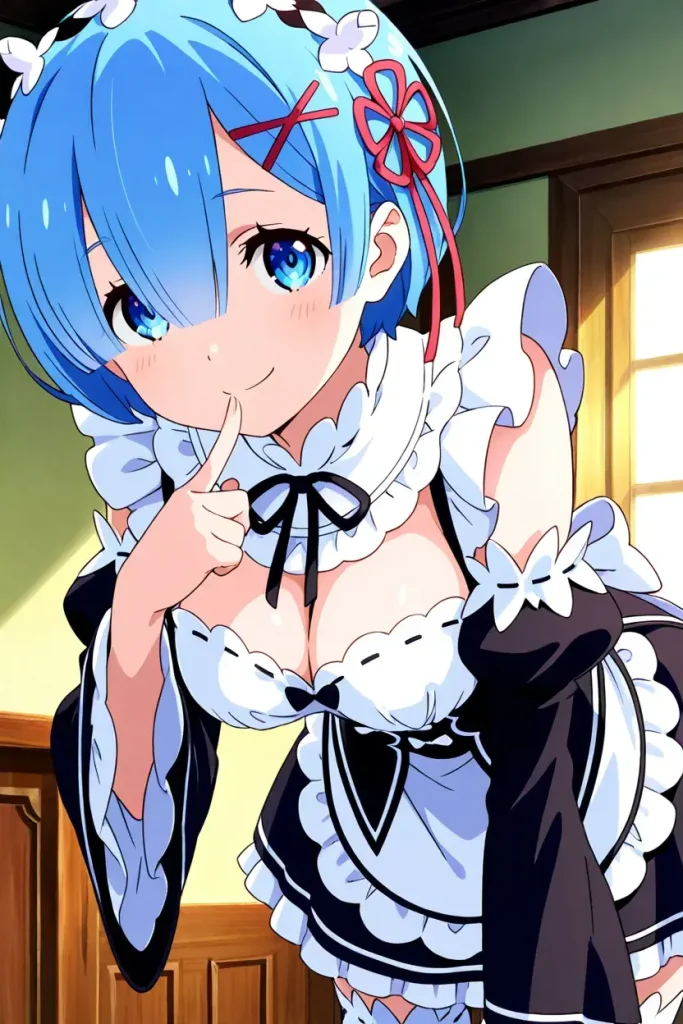
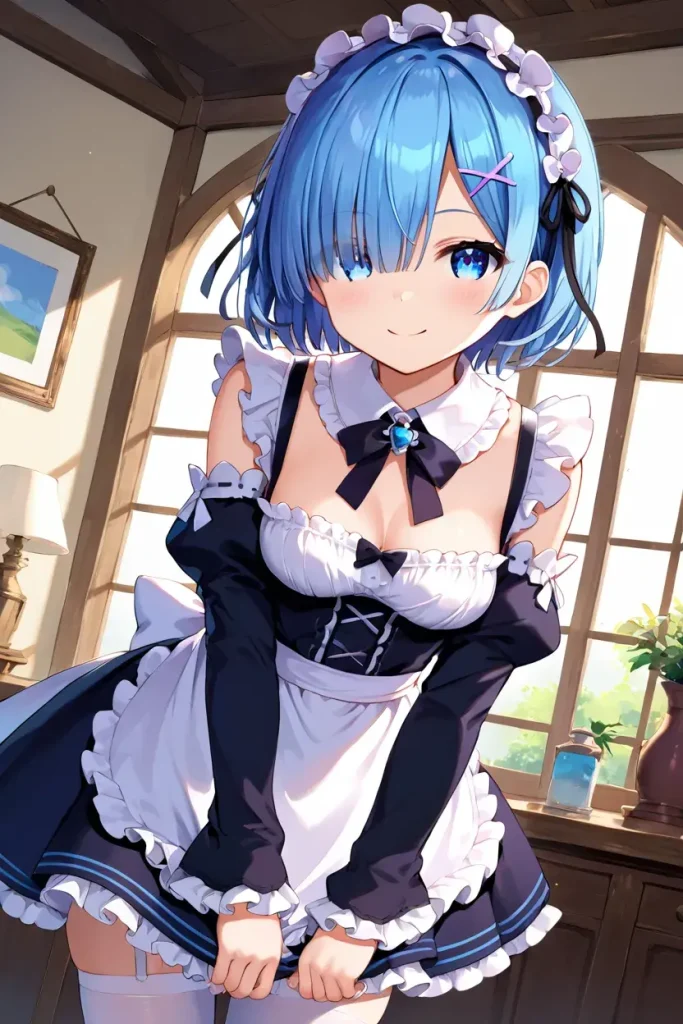
The New Standard: WAI-NSFW-illustrious Based on the “Illustrious” architecture, many consider this the current “ceiling” for 2D anime quality. Best For the trendy “Thick Impasto” (thick paint) anime style. It renders skin textures and lighting beautifully, making it perfect for high-end illustrations and covers.
⚠️ Expert Tip: You SHOULD avoid using this tag, or the colors may look unnatural.
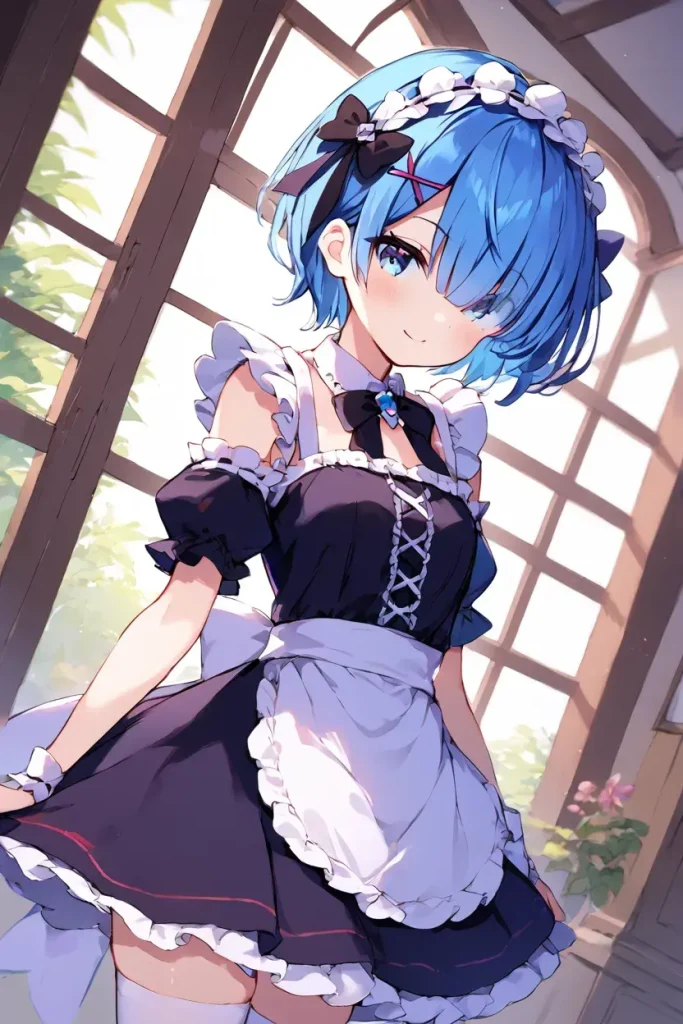
Artistic & Soft Style: WAI-ANI & 7th anime Unlike the distinct style of Pony, these models offer a more universally appealing look. Best For: Vibrant, colorful, and modern Japanese anime styles. WAI-ANI is particularly strong at generating detailed backgrounds (shops, cities, nature) alongside characters.
WAI-ANI
7th anime
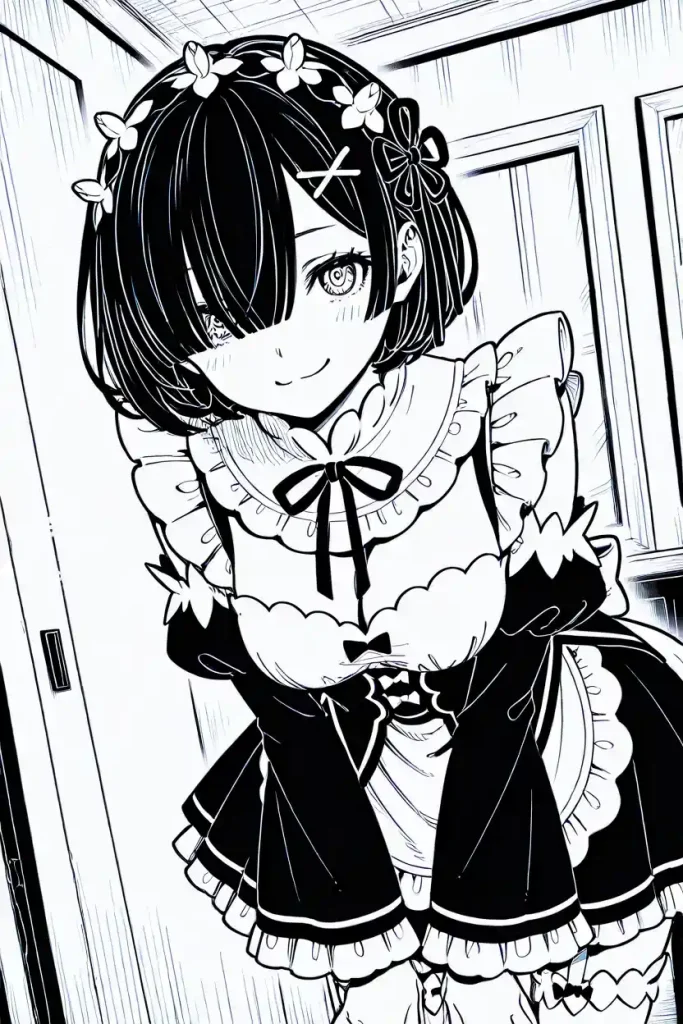
Manga Style: Beret Mix Manga Best For: Creating black and white comic pages, line art, or sketches.
Pro Tip: Pair this model with keywords like monochrome, greyscale, and lineart for the best authentic manga effect.
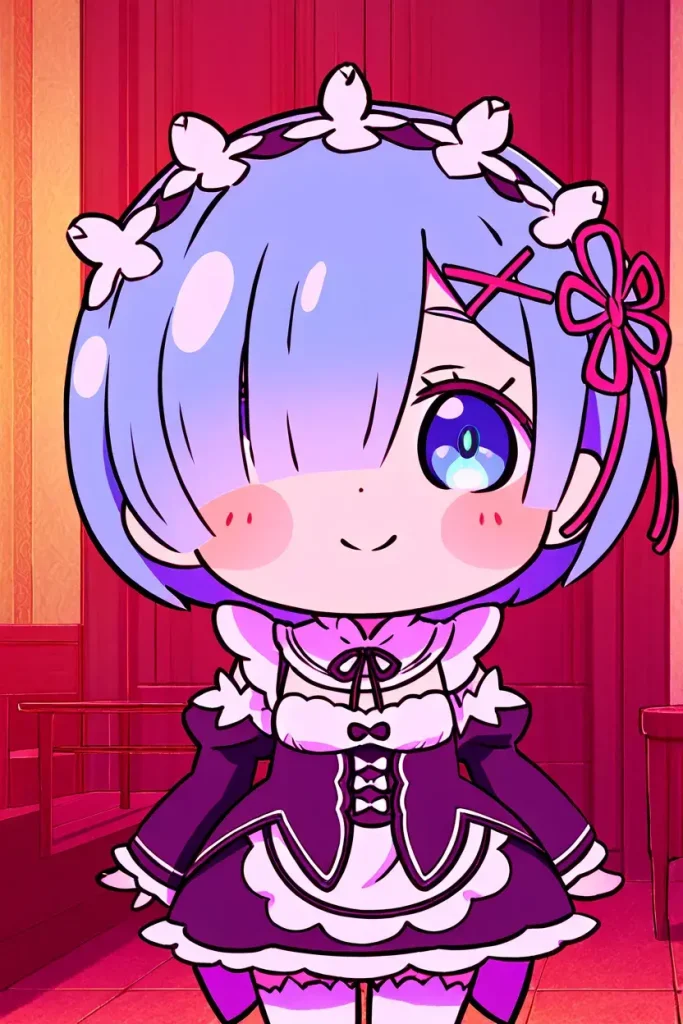
Chibi & Specialized: AsnQversion Best For: “Q-Version” characters, cute stickers, and emojis.
⚠️ Expert Tip: Add “chibi style” prompt only when you want a cute, super-deformed look.
SD Models: Fast, Flexible, and Style-Rich Workhorses
Key Features: Fast generation speed, lower resource consumption, and highly stylized diverse art styles. Best for 512×768 or vertical portraits. While SD models may not match SDXL in raw sharpness or micro-detail, they remain extremely valuable—especially for rapid ideation, stylized anime art, and specific aesthetic preferences.
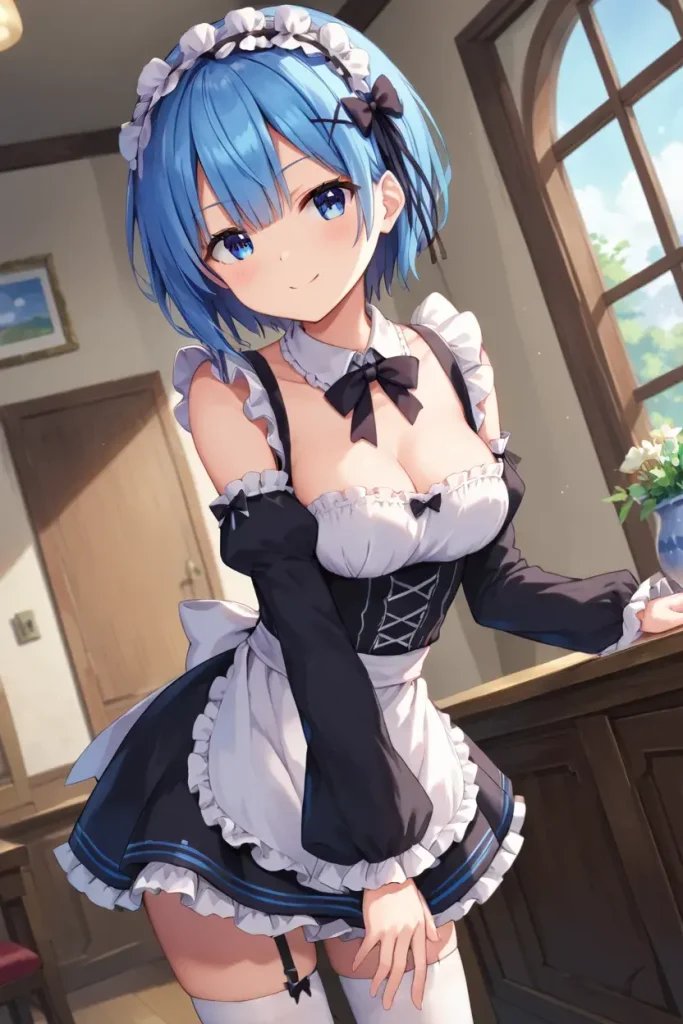
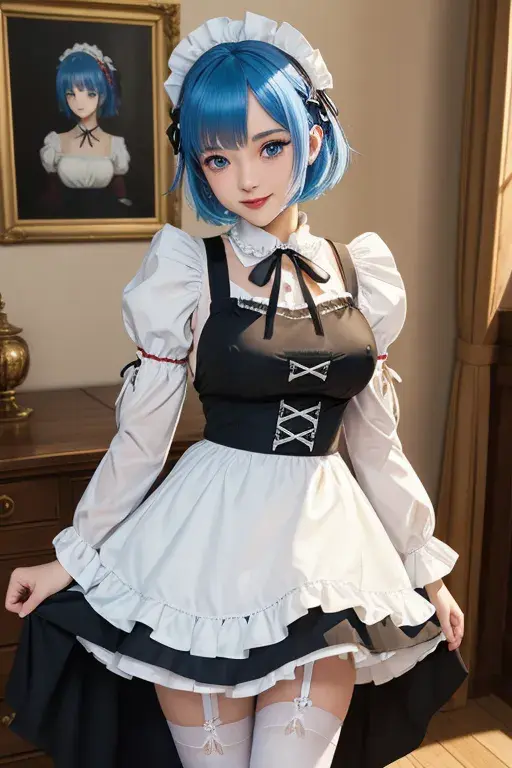
The All-Rounders: MeinaHentai, DivineAnimeMix, AstrAnime These are the legends of AI anime art. They have been fine-tuned thousands of times to produce the “ideal” anime look. Best For classic Japanese illustrations. If you want that quintessential “Anime Waifu” look with clean lines and flat shading, choose these. They are very beginner-friendly.
MeinaHentai
DivineAnimeMix
AstrAnime
Specific Styles: Mistoon_Anime Best For: A “Cel-Shaded” or “Toon Shaded” look. The lines are harder and crisper, making the output look like a screenshot directly from an anime TV series.
The Mixers: Fuwa Mix, KayWaii Best For: Soft, fluffy, and pastel aesthetics. Perfect for “Shojo” (girls’ manga) styles, romantic vibes, or cute/kawaii character designs.
Fuwa Mix
KayWaii
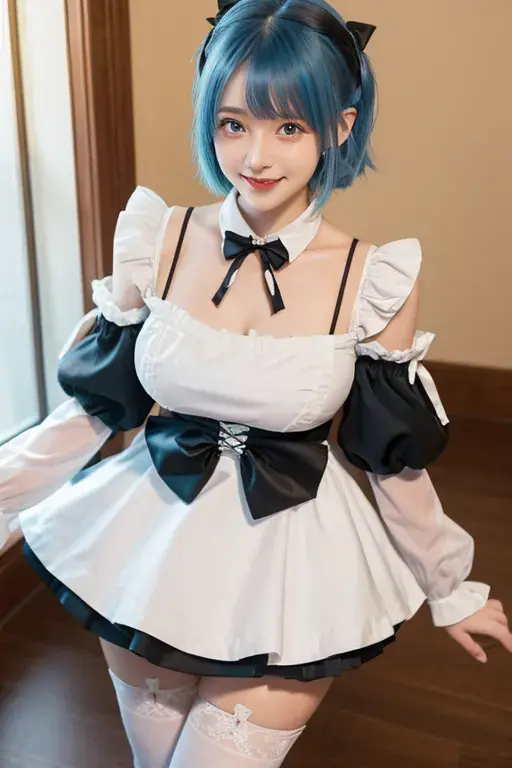
The Bridge Between Worlds: 2.5D Anime, Real Anime Best For: Users who don’t want flat 2D cartoons but aren’t looking for photos. These models give characters anime facial proportions but with realistic skin rendering and lighting. Great for Cosplay concepts.
2.5D Anime
Real Anime
The Artistic Realism: Dreamshaper, Realistic Best For: Epic fantasy art, game assets, and landscapes. If your prompt involves “cyberpunk cities,” “fantasy forests,” or “intricate armor,” Dreamshaper handles texture and lighting better than pure anime models.
Dreamshaper
Realistic
Summary
Navigating through 16 different AI models might feel overwhelming, but remember this rule of thumb: There is no “Best” model, only the “Most Suitable” one for your current project. However, if you are looking for a place to start:
Try WAI-NSFW-illustrious or EvaClausMix Pony first. These represent the latest technology (SDXL) and generally offer the highest fidelity and “wow” factor.
If you want something faster or more stylized, explore the SD options like MeinaHentai, DivineAnimeMix and AstrAnime.
The best way to learn? Keep your prompt and seed fixed, then swap between models to see how they interpret your vision differently! Ready to create your masterpiece?