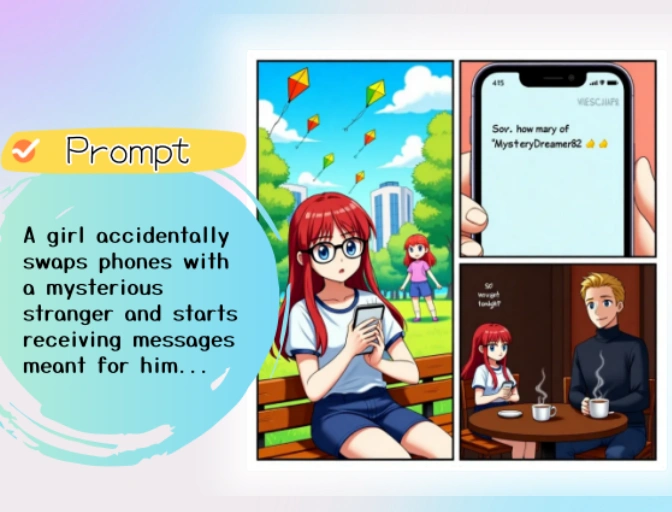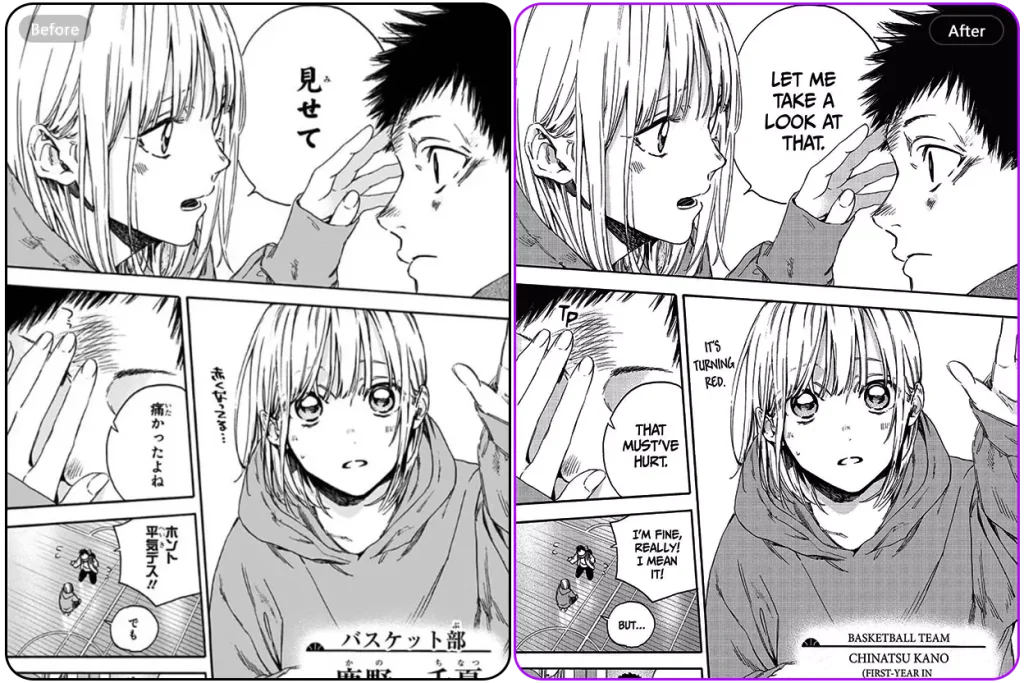
Pre-made templates
Start quickly with a variety of professionally designed manga panel templates.
Design your manga like a pro with our Online Manga Layout Editor. Customize panels, drag freely, and bring your story to life with zero hassle.
Get Started for Free Now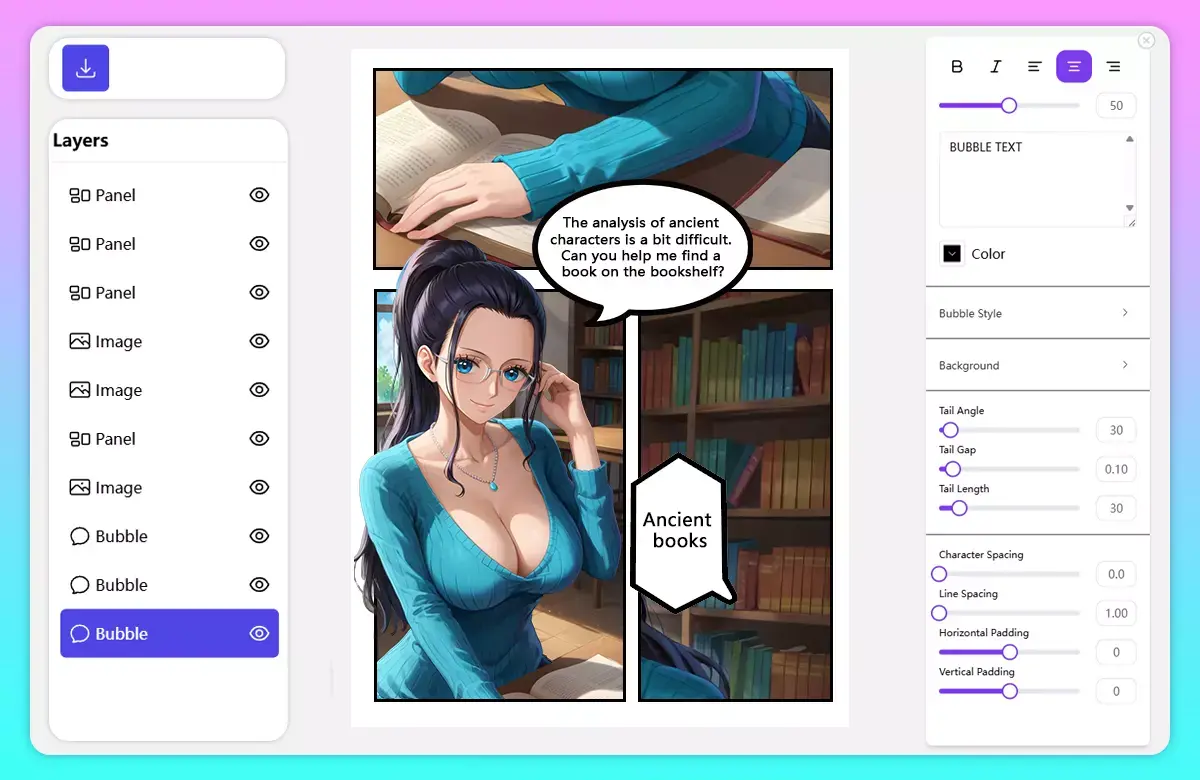
Quickly create manga layout using templates with our easy-to-use Manga Layout Editor. Choose from 6 ready-made templates to build your pages in seconds, with more layouts continuously added to give you even more creative options over time.
Try it for freeMove panels to design your manga layout easily with our flexible and intuitive Manga Layout Editor. Simply drag and drop panels into place, resize them to fit your story flow, and arrange them in any sequence that suits your narrative. Whether you're creating a dramatic scene or a lighthearted moment, our editor gives you full control over the layout structure. With responsive snapping, adjustable spacing, and a clean interface, designing dynamic manga pages becomes fast, smooth, and creatively rewarding.
Discover more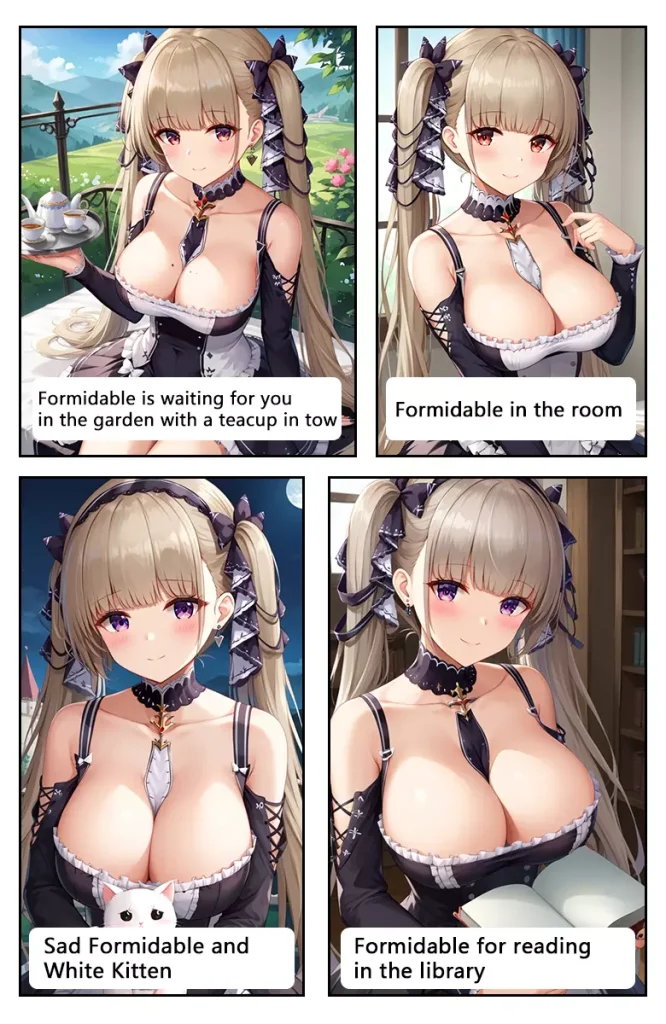
Create stunning manga pages with ease using our Free Online Manga Maker tool, built to meet the needs of both beginners and seasoned professionals. For beginners, the editor offers an intuitive drag-and-drop interface and 6 ready-to-use layout templates, making it easy to build visually compelling manga pages without any design background. The clean workflow and simple tools help users focus on creativity rather than complexity. For professionals, the editor delivers powerful customization options—adjust panel sizes, control spacing, rearrange layouts, and fine-tune every detail to match their storytelling style. With new templates continuously added, creators of all levels can enjoy a growing library of layout choices to bring their manga vision to life.
Try it for freeOur Manga Layout Editor is built for speed, flexibility, and creativity — giving you full control to design beautiful manga pages with ease.
Start quickly with a variety of professionally designed manga panel templates.
Easily drag and position panels, images, and elements anywhere on the page.
Split any panel into smaller sections to create dynamic layouts.
Customize the thickness of panel borders to match your desired style.
Add, change, or remove backgrounds to set the mood of each panel.
Move text, speech bubbles, and effects freely above your panels.
Automatically scale and align images to fit perfectly within any panel.
Combine multiple pages into a single manga for seamless storytelling.
Export your manga pages in high quality with multiple format choices.
Help Center
Find answers to common questions about creating, customizing, and exporting your manga pages.
A manga layout editor helps you arrange panels, images, and other visual elements into a finished manga page. Anifun AI offers ready-made templates and flexible controls, so you can create clean layouts without professional design software.
No. Choose a ready-made panel template, add your images, and arrange the page with simple drag-and-drop controls. Experienced creators can also resize panels, adjust spacing, and fine-tune the layout.
Yes. You can move and resize panels, split them into smaller sections, rearrange their order, and adjust border width and spacing to suit your story.
Yes. Add your artwork or generated images, then use the auto-fit and positioning controls to scale and align each image within its panel.
Yes. You can combine completed pages into a multi-page manga and export the finished layout in high quality.
Our mission is to help any manga enthusiast create their own mangas like a professional.
Get started